Whats Share Bot
The Perfect Solution for WhatsApp Notifications
Whats Share Bot is one of the leading applications designed to enhance the WhatsApp experience. It serves as an essential tool for supporting e-commerce stores on the “Salla” platform. The app offers a comprehensive set of features that help improve performance, increase sales, and enhance customer experience.
Features of Whats Share Bot:
1. Quick Activation: Activate the app in just a few minutes with ease.
2. Simple Interface: A clear and user-friendly control panel suitable for all users.
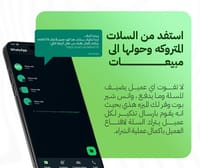
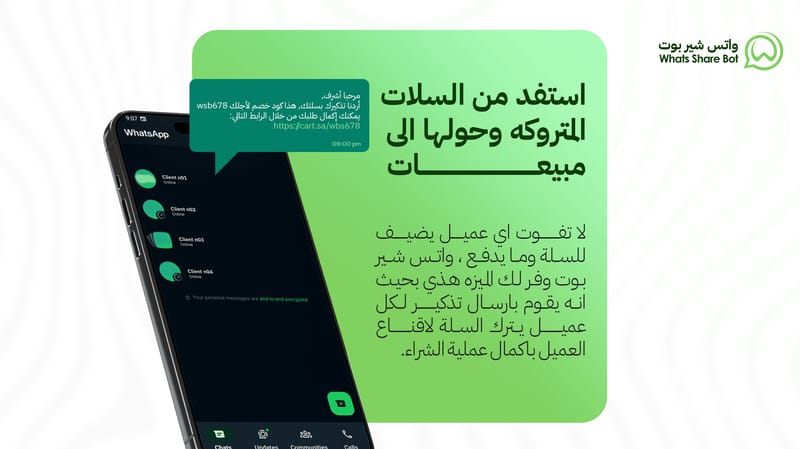
3. Abandoned Cart Targeting:
• Send messages or series of messages to customers at specified intervals.
• Include discount codes to encourage purchase completion.
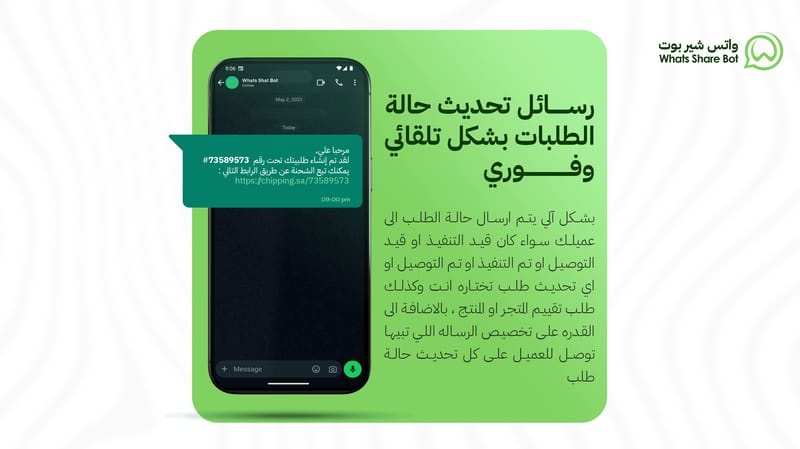
4. New Order Notifications: Notify customers immediately upon order creation.
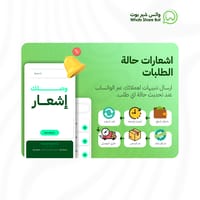
5. Order Status Updates: Send automated notifications to customers when order statuses change.
6. Cash on Delivery Confirmation: Send confirmation messages for cash-on-delivery orders.
7. Welcome Messages for New Customers: Automatically send welcome messages to newly registered customers.
8. Request Reviews: Send review requests to customers after a specified period post-order completion.
9. Customizable Messages: Modify messages to fit your business needs and customer preferences.
10. Dynamic Variables Support:
• Use variables such as:
• {Customer Name}
• {Order Number}
• {Tracking Link}
• Add a personal touch to messages.
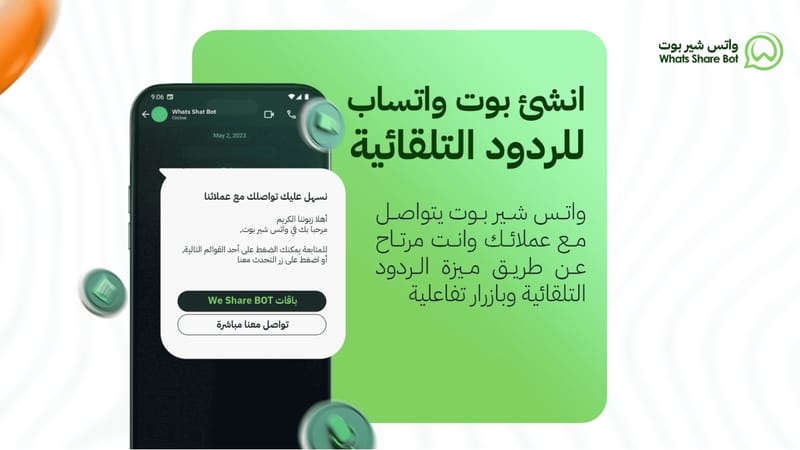
11. Auto Replies: Automatically respond to common customer inquiries, saving time and effort.
12. Custom API Interface: Provide tailored programming support to meet diverse business requirements.
13. OTP Sending: Enhance security with a one-time password (OTP) sent during login to protect customer data.
Additional Features:
• Does not require the phone to stay connected to the internet.
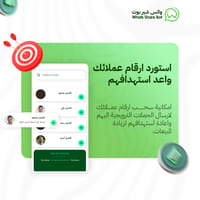
• Import WhatsApp contacts, including chats and store customers.
• Full control to enable or disable notifications as needed.
• Customize message templates for all notification types.
• Support for interactive buttons to simplify customer interaction.
• 24/7 technical support.
How to Activate the App:
1. Choose a Suitable Plan: Subscribe to a plan that meets your needs.
2. Activate the App: Click the “Activate App” button to start.
3. Receive Account Details: You will receive a WhatsApp message with your account details and setup instructions.
Message Templates:
Whats Share Bot offers easily customizable templates, including:
1. Abandoned cart messages.
2. Welcome messages for new customers.
3. New order notifications.
4. Review request messages.
5. Cash-on-delivery confirmation messages.
6. OTP messages.
7. Shipment creation notifications.
8. Delivery status messages.
9. Delivery confirmation messages.
10. Order status updates (e.g., “In Progress,” “Canceled”).
Templates can be fully customized to suit your business needs.
How to Link Your WhatsApp Account:
Once you receive your Whats Share Bot account details:
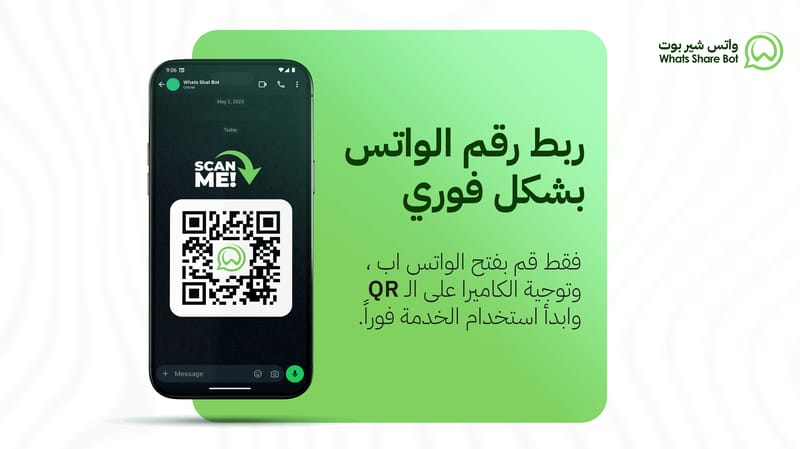
1. Open the WhatsApp app on your phone.
2. Go to Linked Devices and click “Link a Device.”
3. Scan the QR code displayed on the Whats Share Bot platform.
4. The linking process is now complete!