

Sahsah platform helps you add discount coupons and attract more customers to your online store
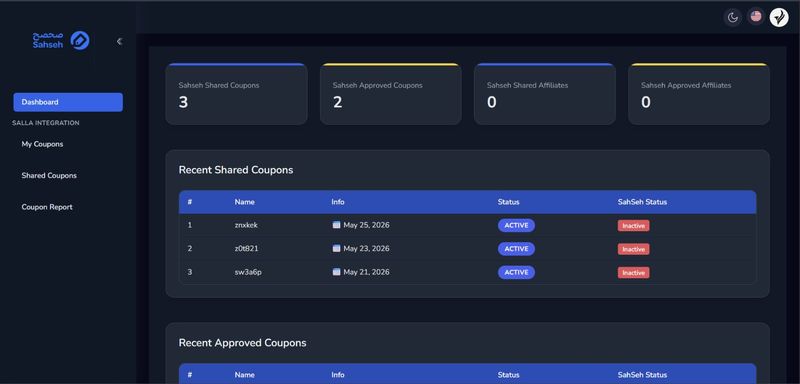
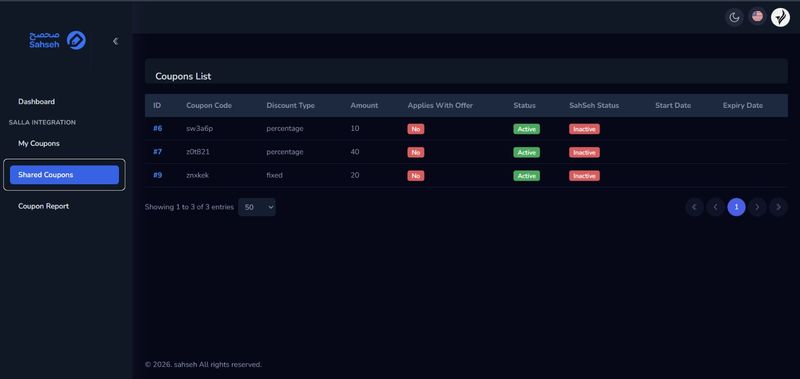
After installing the application, you will be able to add your coupon once through Sahsah platform, and upon accepting the coupon, the coupon will be automatically activated for your Salla store without any human intervention. This feature saves you from wasting your time by adding the coupon more than once on more than one platform
How to install and setup:
- Visit the App Store from your store's dashboard menu
- Search for Sahsah app
- Install the application by clicking the Install button at the top of the page
- After installing the application, it will be activated automatically, and you will receive an email from Sahsah stating that we have created an account for your store on the platform using the store’s email.
How to add coupons to your store:
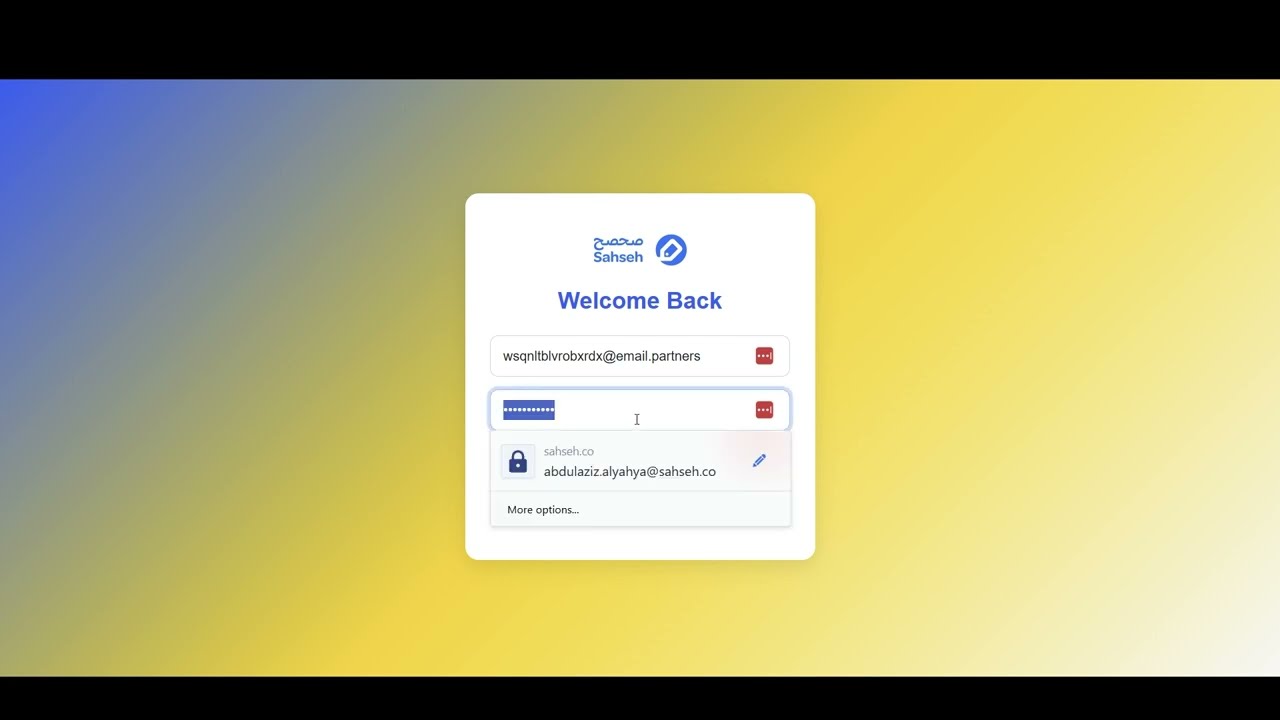
- Log in to Sahsah platform using the account previously created for you when installing the application
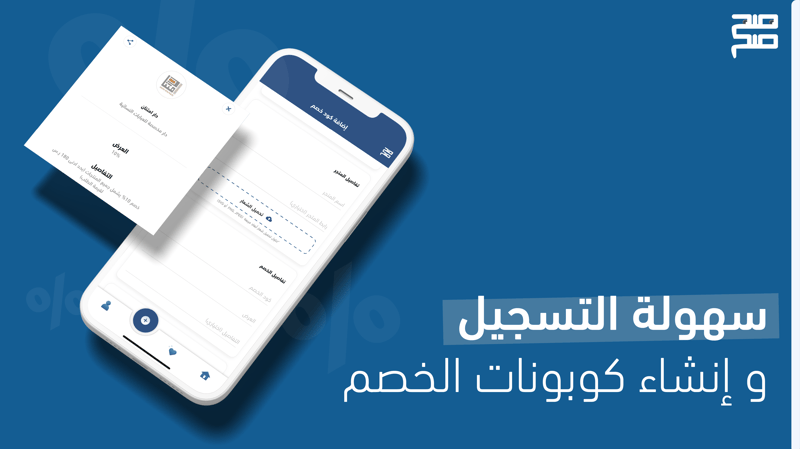
- Choose Add discount code from the top menu
- Add your coupon information and follow the status of your order from your personal account
- An email will be sent to you when your order status changes, and the coupon will be automatically added to your store in the basket platform if the coupon is accepted