Nexa Odoo Connector is a powerful integration that connects your Salla store with your Odoo ERP system in real time. Manage your entire business from Odoo while your Salla store stays perfectly in sync — no technical expertise required.
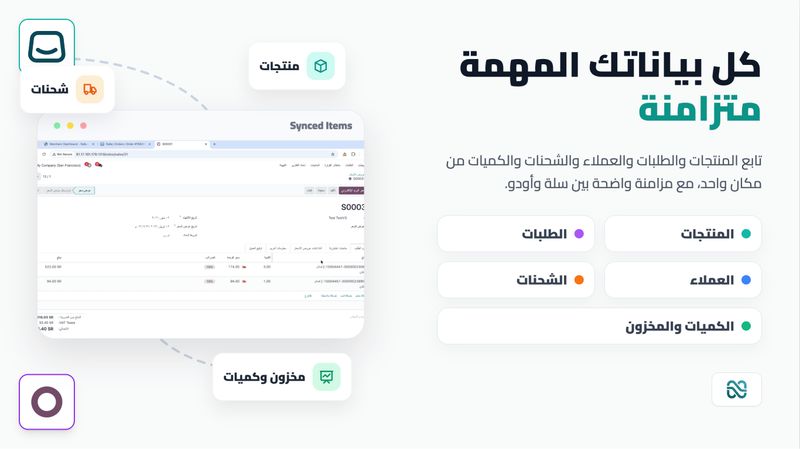
What gets synced
Products & Categories
Orders
Customers
Shipments
Key Features
Real-Time Sync — Changes in your Salla store are instantly reflected in Odoo via webhooks.
No Odoo Module Required — Works directly with your Odoo instance through the standard API. No plugins or custom modules to install on Odoo.
Works Everywhere — Compatible with Odoo Cloud and self-hosted instances.
Odoo v17, v18 & v19+ Support — Automatic version detection with seamless protocol handling across all supported versions.
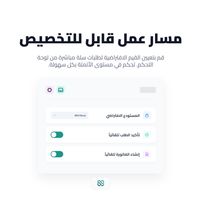
Automatic Order Workflow — Configurable automation that can confirm orders, validate deliveries, create and post invoices, register payments, and issue credit notes for refunds — all triggered automatically from Salla order status changes.
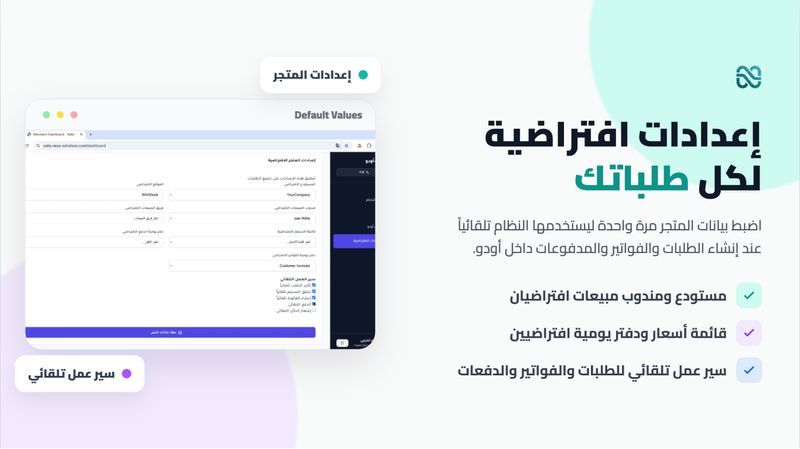
Smart Defaults — Set a default warehouse, stock location, salesperson, sales team, pricelist, payment journal, and invoice journal so every order lands in the right place in Odoo without manual intervention.
Branch-Level Routing (Plus) — Running a multi-branch store? Map each Salla branch to its own Odoo warehouse, team, and journals so orders are automatically routed to the correct operation.
Category & Payment Mappings (Plus) — Explicitly map Salla product categories to Odoo internal categories, and map Salla payment methods (mada, Visa, COD, etc.) directly to your Odoo payment method lines.
Multi-Company Odoo Support — Select which Odoo company receives your store data during setup.
Secure by Design — API key authentication (no password sharing), encrypted credential storage, and webhook signature verification on every request.
Smart Retry — Failed syncs are automatically retried in the background so nothing is lost.
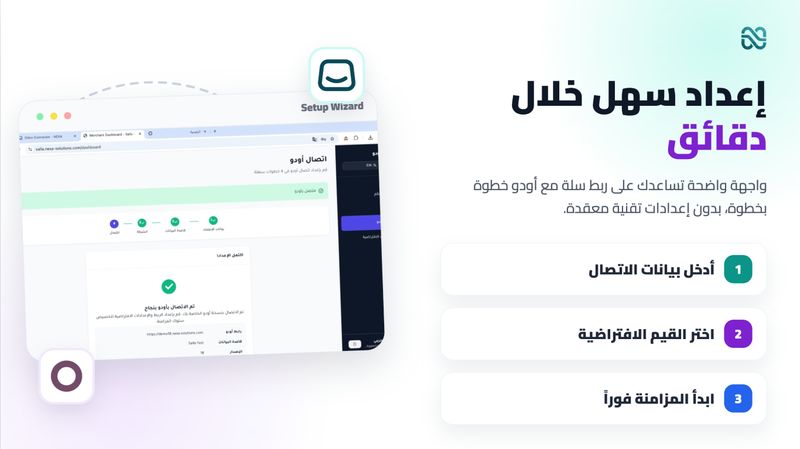
Easy Setup — A guided step-by-step wizard walks you through connecting your Odoo instance, selecting your database and company, and configuring your defaults — all from your merchant dashboard.
How it works
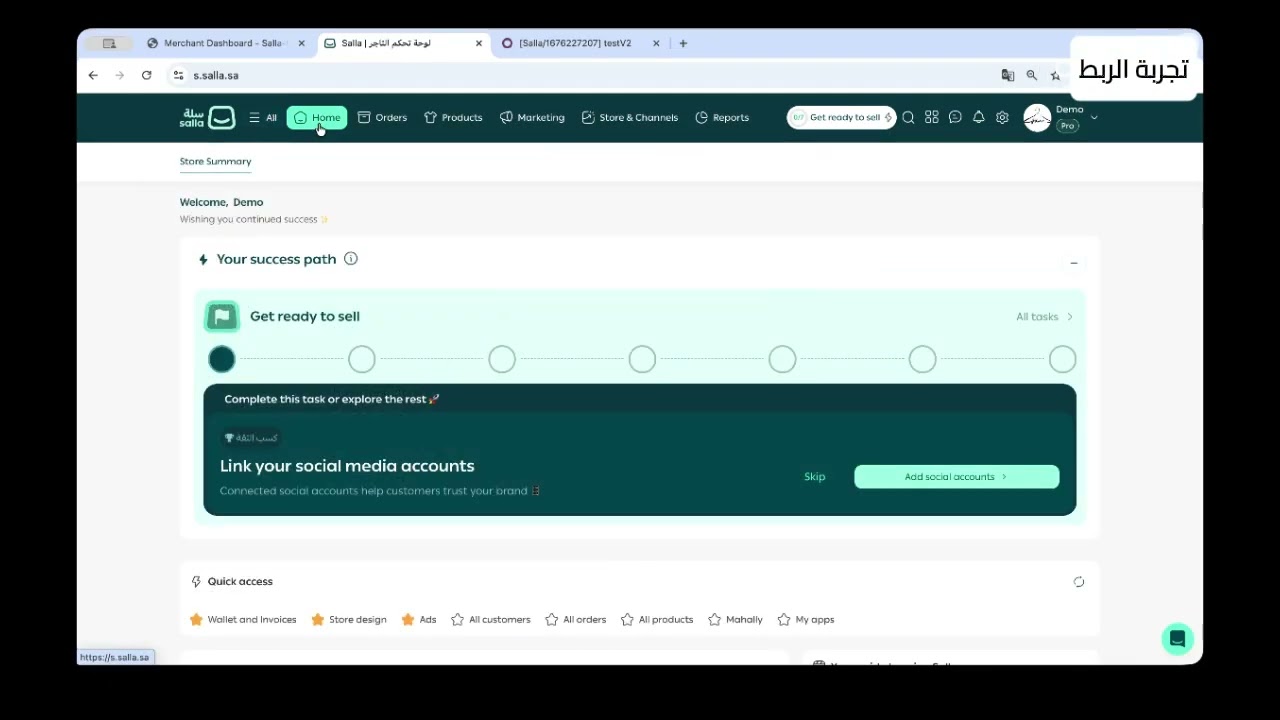
Install the app from the Salla App Store
Follow the guided wizard to connect your Odoo instance
Configure your defaults and (optionally) your mappings and workflow automations
Your data starts syncing automatically
Built by Nexa — enterprise integration specialists delivering reliable, secure, and scalable solutions.
Need help? Our support team is ready to assist you every step of the way.