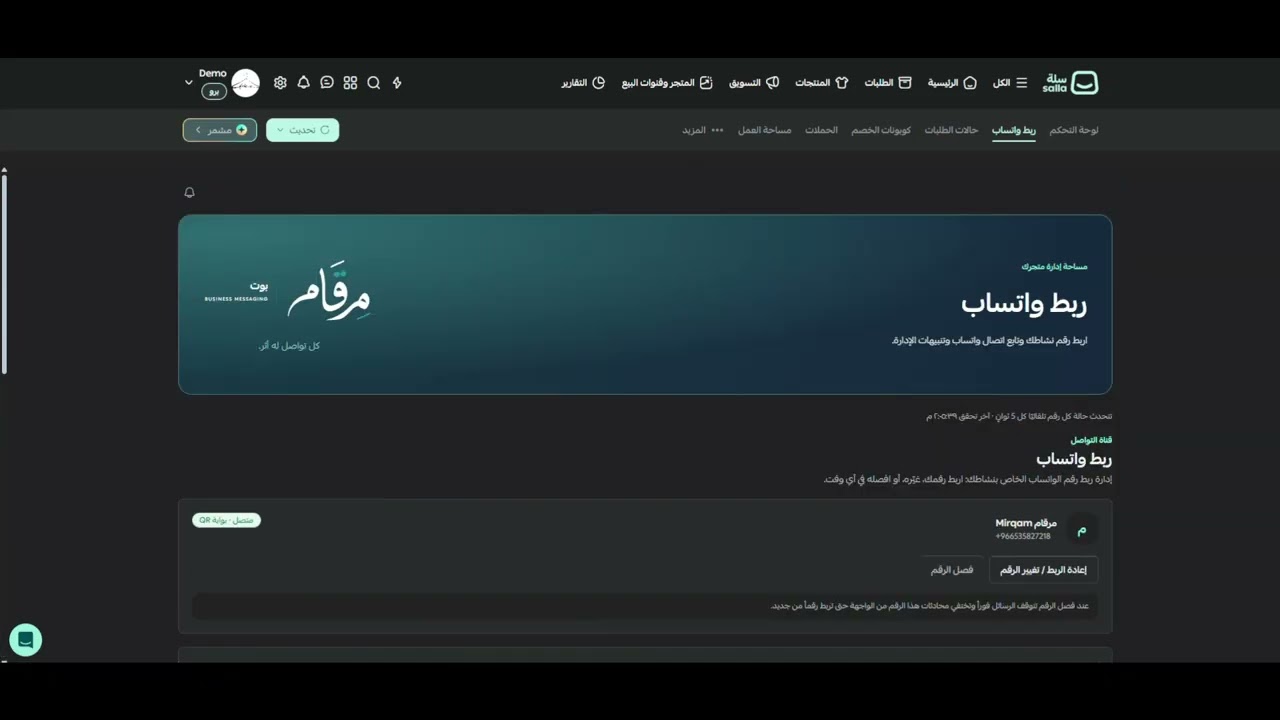


Mirqam WhatsApp Notifications — your store communications in one place
Connect your Salla store to WhatsApp to manage customer messages, automate order notifications, and follow conversations and campaigns from one dashboard.
Reach customers at the right time
Send customizable order-status notifications using customer and order details.
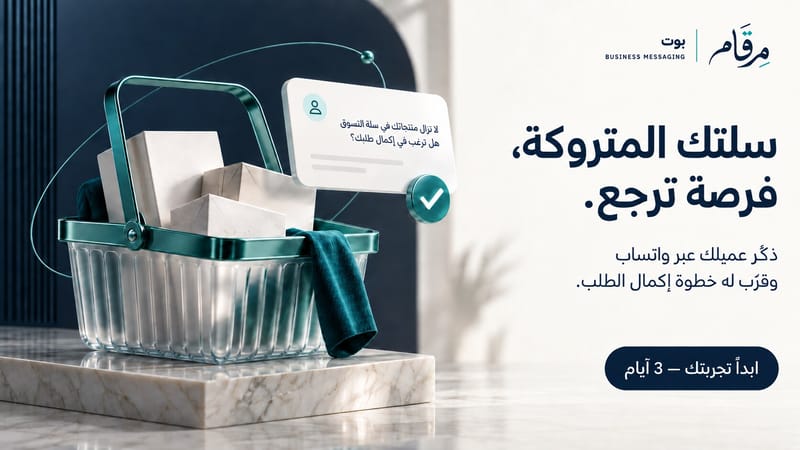
Remind customers about abandoned carts and track recovered cart value.
Organize and schedule campaigns, with quiet hours that pause campaign sending.
Request purchase reviews and customize replies and discount rewards.
Manage conversations and track results
Follow customer conversations in the inbox and use quick replies to organize customer service.
Organize customers into groups and manage sending exclusion lists.
Review message logs and available sending, delivery and read statuses, and monitor performance.
Receive administration and WhatsApp connection alerts to keep track of store operations.
Getting started and support
Install the app, connect your WhatsApp number, and configure your messages in the Mirqam dashboard. The tutorial video explains how to use the app. Contact the support team using the support details on this page.
Features and limits vary by plan; see the plans section for a comparison. Messaging depends on connection availability and WhatsApp policies. Meta fees for the official WhatsApp Business service apply separately when that service is used.