Whatsapp Direct Notifications & Marketing via WhatsApp 💬
The perfect solution for Salla stores to send order updates and promotional offers directly through WhatsApp.
This service helps you boost sales, enhance customer experience, and simplify communication in a professional and seamless way.
⭐ Key Features
Instant activation within just a few minutes.
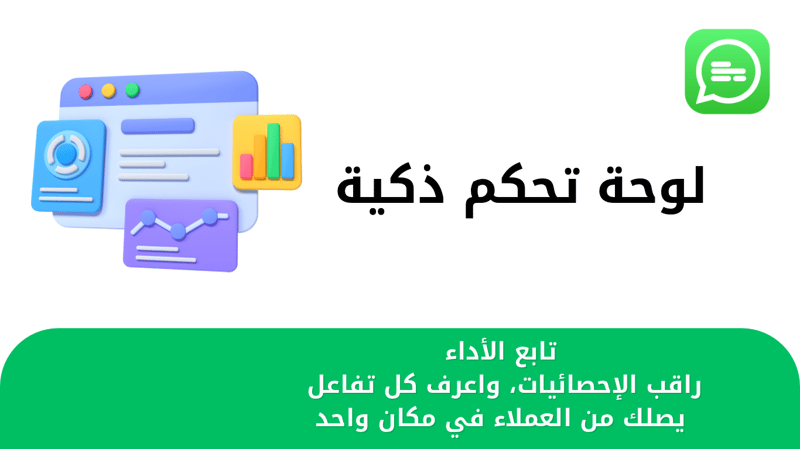
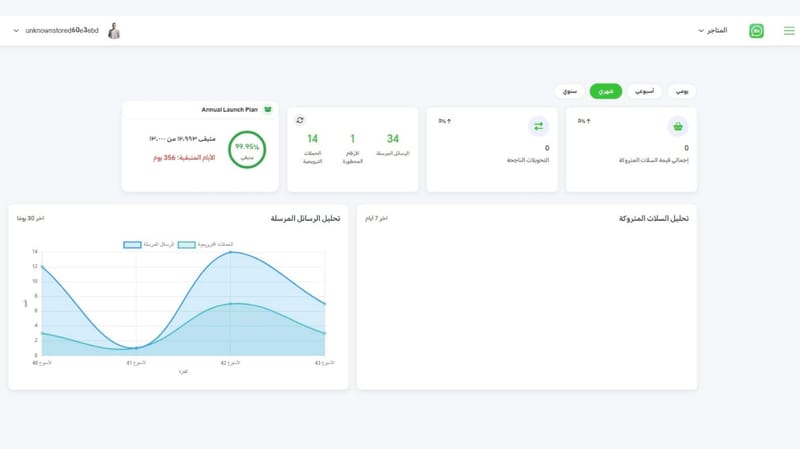
Simple and user-friendly dashboard.
New order notifications: Send an alert to the customer when a new order is created.
Order status updates: Automatic notifications whenever the order status changes.
Cash on delivery confirmation: Direct confirmation message for COD orders.
Welcome messages for new customers: Automatic greeting when a customer registers in your store.
Review requests: Ask customers to rate their experience after order completion or delivery.
Customizable messages: Easily edit the content of notifications to suit your store.
Dynamic variables: Use placeholders like {customer name}, {order number}, {order link}, {order value}, {order status}, {review link}, {tracking link}.
Marketing campaigns: Send bulk messages to promote your offers and products.
🎯 Additional Features
Works without requiring the phone to stay connected to the internet.
Import contacts from WhatsApp and sync them with your store.
Full control to enable or disable each type of notification.
Complete freedom to edit and customize message templates.
24/7 technical support to ensure uninterrupted service.
🚀 Activation Steps
1 Choose the right plan: Subscribe to the package that best fits your store’s needs.
2 Click the activation button: Start the setup process instantly.
3 Receive account details: You’ll get a message via WhatsApp or email with your account info.
📩 Ready-to-Use Message Templates
1 New customer welcome message
2 New order notification
3 Review request message
4 COD confirmation message
5 Verification code message
6 Shipment created message
7 Out for delivery message
8 Delivered order message
9 Shipped order message
10 Order canceled message
11 Order refunded message
12 Order under refund process
13 Order in progress message
14 Order pending review message
15 Order pending payment message
16 Order completed for message
🔗 WhatsApp Linking
• Open the WhatsApp app on your phone.
• Go to Linked Devices and tap Link a Device.
• Scan the QR code displayed in your dashboard.
- • Within seconds, your store will be directly connected to your customers.