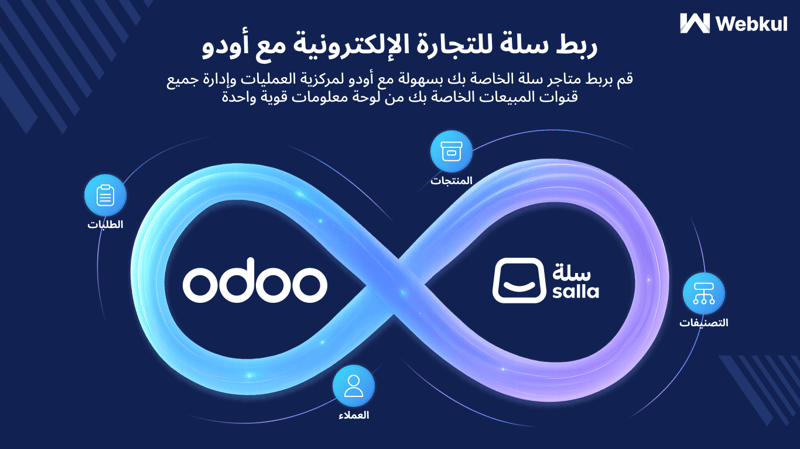
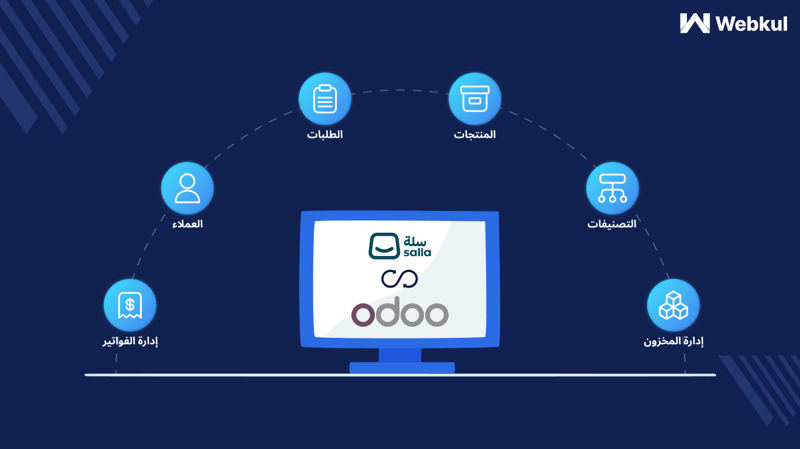
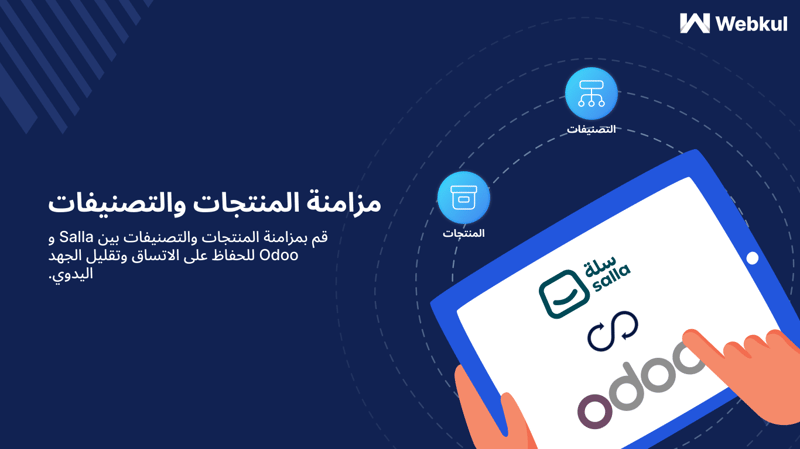
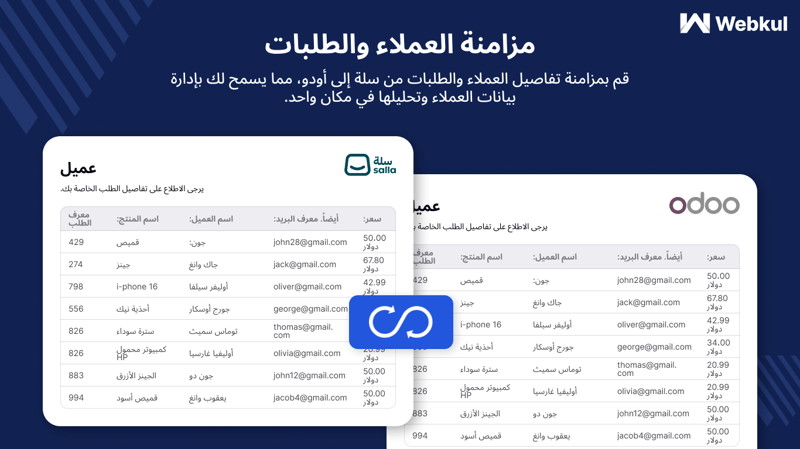
Salla Odoo Connector is a integration tool that helps businesses unify their Salla eCommerce store with Odoo ERP. By syncing products, orders, and customer details, this module saves valuable time, eliminates repetitive tasks, and ensures data accuracy across both platforms.
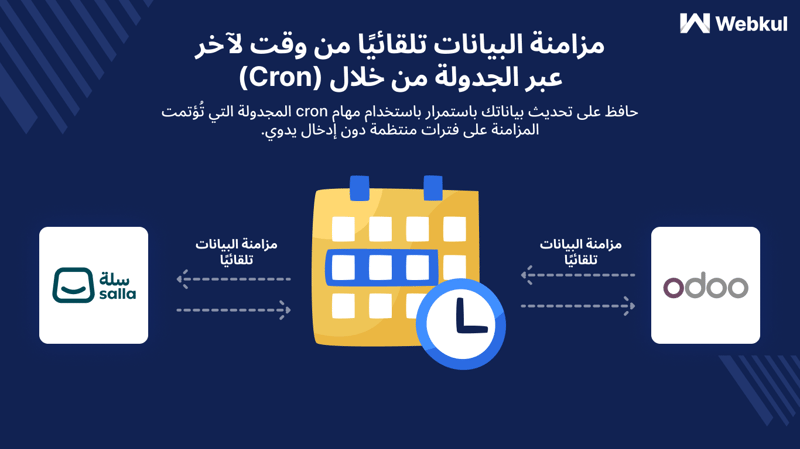
You can import or export data manually or automate the process using the built-in cron scheduler for regular imports. The module also includes a dynamic dashboard to track performance and manage multiple stores under one roof. This boosts productivity and provides better control over your online operations.
Why do we need the Salla Odoo Connector?
Managing an online store and back-office operations separately can lead to errors, duplicated work, and missed sales opportunities. The Salla Odoo Connector solves this by syncing your Salla data directly with Odoo, keeping your inventory, accounting, orders, and customers updated in real time.
With this integration, you can handle day-to-day tasks like stock updates, invoice generation, and order fulfillment efficiently from a single dashboard. It makes your eCommerce operations smoother, more reliable, and less time-consuming.
Imagine an online store owner selling beauty products through Salla. Before using the connector, they had to update stock, manage orders, and handle customer records manually in Odoo. This caused delays and data mismatches.
By implementing the Salla Odoo Connector, the store owner can now automatically sync new orders, update product stocks, and maintain customer information in Odoo. This reduces errors, saves manual effort, and improves customer satisfaction through faster order processing.
Requirements:
- If you're a new merchant to odoo-salla connector from webkul, you have to purchase the additional feature in the pricing plan for the first time only.
- If you've already purchased odoo-salla connector from webkul then you'll not need to purchase the additional feature in the pricing plan.
Note: If you're renewing the subscription then you'll not need to purchase the additional feature in the pricing plan.
Highlighted Features of Salla Odoo Connector
Seamless Store Connection: Connect your entire Salla store with Odoo in a few simple steps.
Smart Cron Scheduler: Automate data imports and keep your records updated without manual effort.
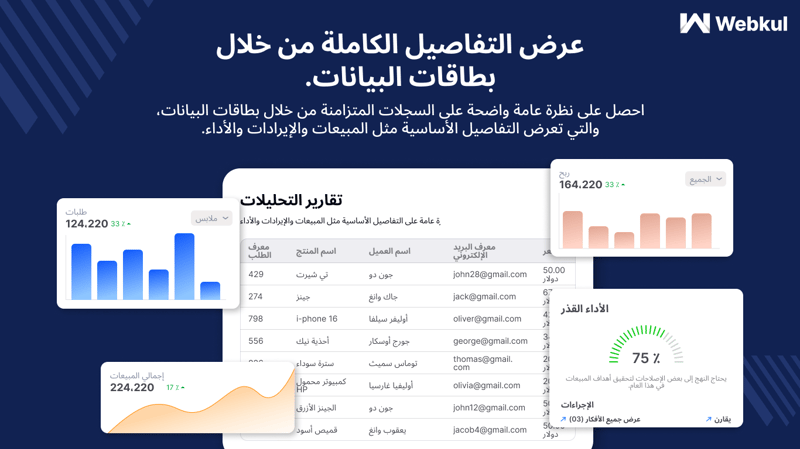
Dynamic Sync Dashboard: Monitor imports, exports, and performance with an easy-to-use dashboard.
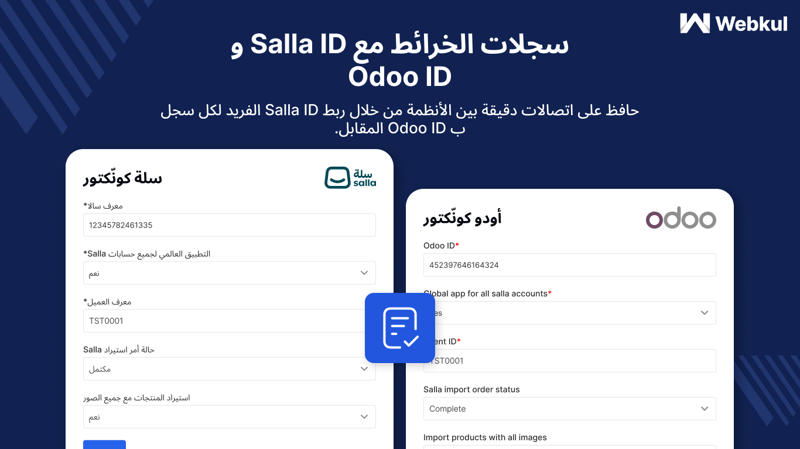
Advanced Mapping System: Salla information will be available inside the odoo records to know about its origin.
Detailed Features:-
Simple Connection Setup
Setting up the connector is quick and requires minimal technical knowledge. Within minutes, you can link your Salla store to Odoo and start syncing data.
- One-click “Connect Salla” option
- Secure login and permission grant
- Supports multiple Salla stores
- Clear connection status tracking
- Quick troubleshooting assistance
Robust Data Management
Handle all your store data confidently with powerful import/export controls, filter options, and automated schedules.
- Import products, customers, orders, and categories
- Export product and product template
- Use smart filters for bulk actions
- Schedule syncs with flexible cron jobs
- Prevent duplicate entries
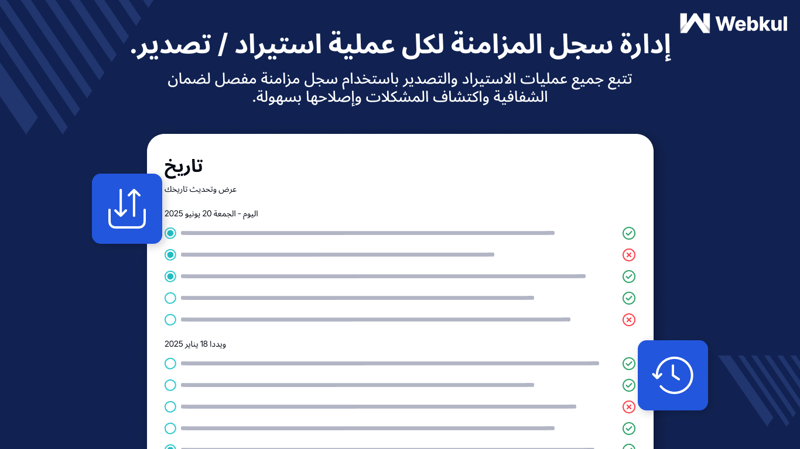
- Full sync history available
Order Management
Ensure that order statuses stay in sync between Salla and Odoo for smooth back-office operations.
- Map Salla order states to Odoo
- Automate invoice creation
- Set default order state
- Reduce manual updates
Global Settings & Automation
Configure global settings to fine-tune imports, avoid duplication, and manage multi-channel connections seamlessly.
- Enable ‘Avoid Duplicity’ feature
- Set default product codes
- Manage multi-store syncs easily
- Control all connections from one panel