Send Automated Abandoned Cart Messages on WhatsApp to Encourage Your Customers to Complete Their Orders Using the BusinessChat App
Features
• Link your WhatsApp number to your store
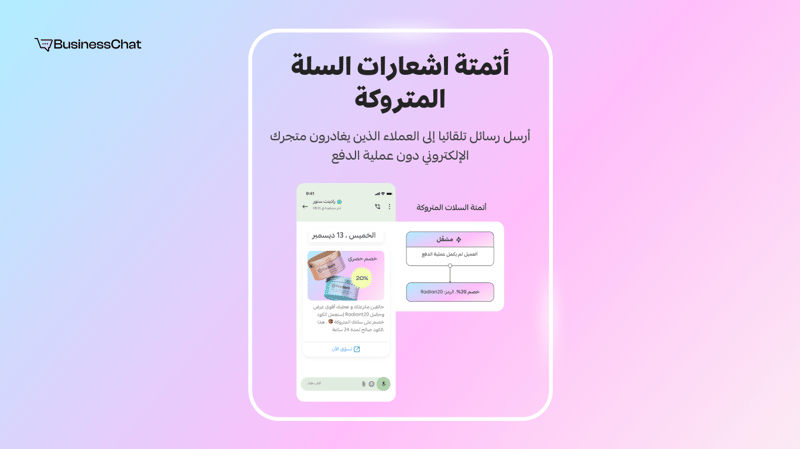
• Send abandoned cart messages automatically
• Send a second cart reminder
• Create coupon codes and discounts
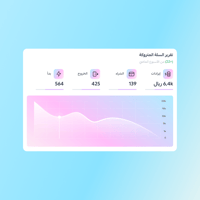
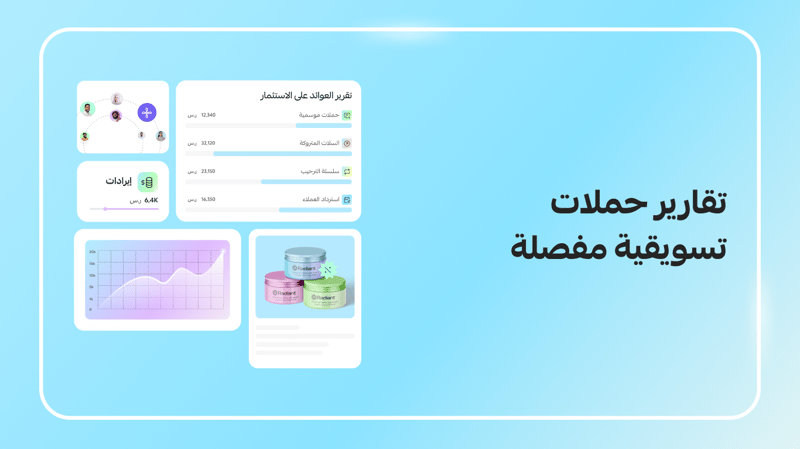
• Revenue report generated from abandoned cart recoveries
• Support through live chat and email
How to Activate the App
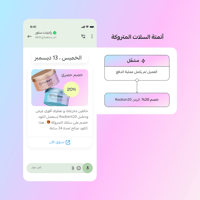
After installing the BusinessChat App, connect your WhatsApp API account, then activate your cart abandonment automation. (Adding a discount or special offer can increase conversion rates by up to 5x!)
When a customer leaves their cart without buying, BusinessChat automatically receives this information from your store and sends your message to the customer.
Note:
- Additional messaging fees for WhatsApp may apply and are billed directly by Meta/WhatsApp.
- The package is for stores with more than 300 orders per month.