
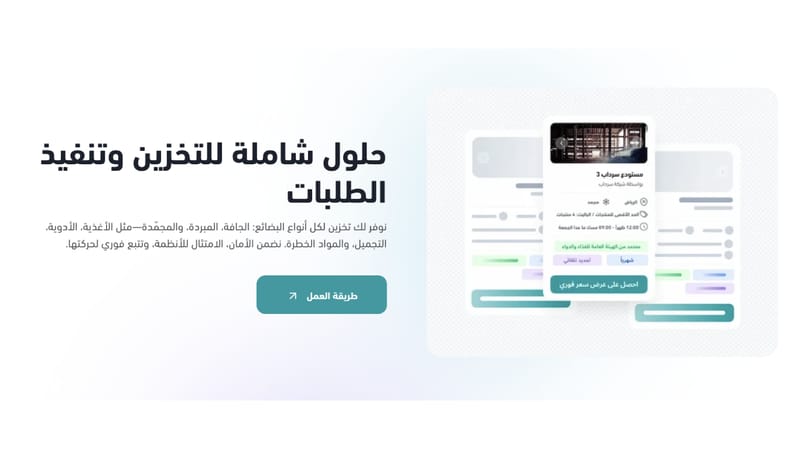
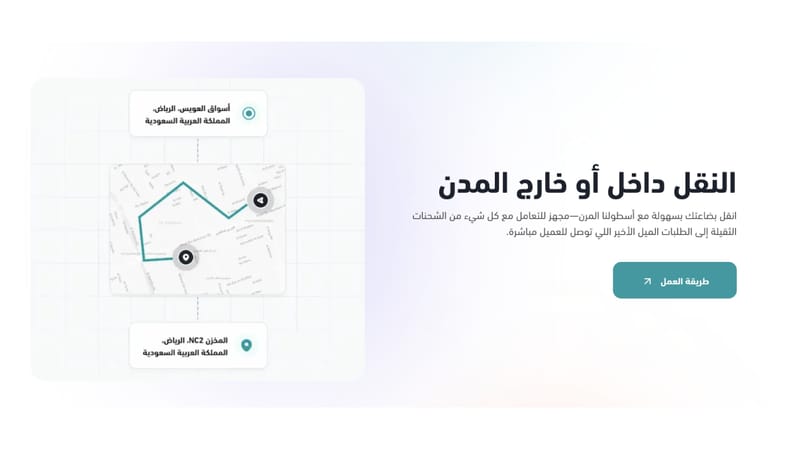

Sirdab is a logistics and fulfillment platform with the largest warehouse network in Saudi Arabia. Our technology enables merchants to store inventory, manage operations, and deliver orders quickly, reliably at competitive prices.
With the Sirdab app for Salla, you can seamlessly connect your store to Sirdab’s fulfillment network and put your operations on auto-pilot.
After installation, the app will:
- Automatically sync your Salla orders with Sirdab
- Create shipments and route them to the optimal warehouse
- Provide real-time tracking and delivery status updates
- Manage cancellations and returns from the same dashboard
- Reduce errors with automated data flow between Salla and Sirdab
By connecting your Salla store to Sirdab, you’ll save time, reduce manual work, and deliver a smoother experience for your customers.
Before You Begin
If you already have a Sirdab account
Simply install the Sirdab app to your Salla store, no additional setup is needed. Once connected, your Salla orders will start syncing automatically.
If you’re new to Sirdab
You’ll need to create a Sirdab merchant account before installation. Don’t worry, signing up takes less than a minute!
Steps to Get Started (for new merchants):
- Sign up with Sirdab: Visit sirdab.app/sign-up and enter your information.
- Choose your service: Select “Wholesale Warehousing & E-commerce Fulfillment.”
- Done. Once you finish signing up, you can immediately connect your store.
Next Steps After Connecting
After connecting your store, you can:
- Request a warehouse quote
- Store your inventory at one of Sirdab's nationwide locations
- Automatically fulfill orders as they come from Salla
If you need help at any point, please don't hesitate to contact us.