Automate Your Salla Store with n8n ai
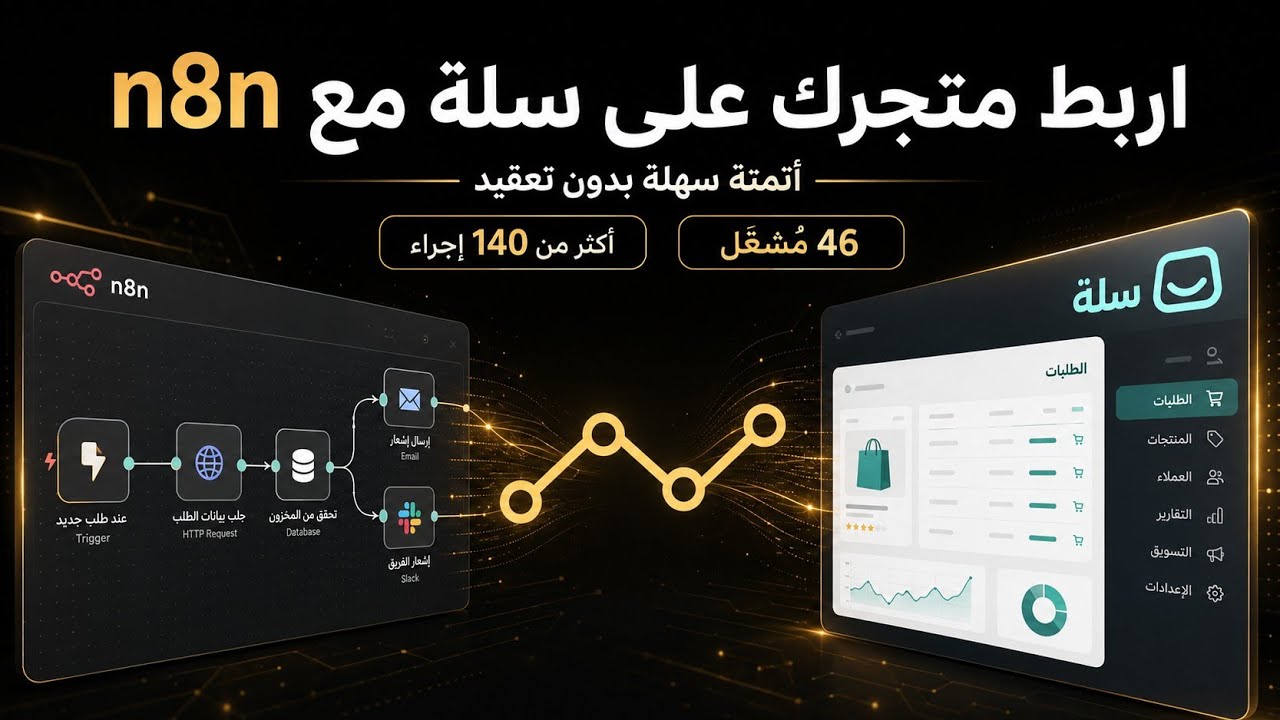
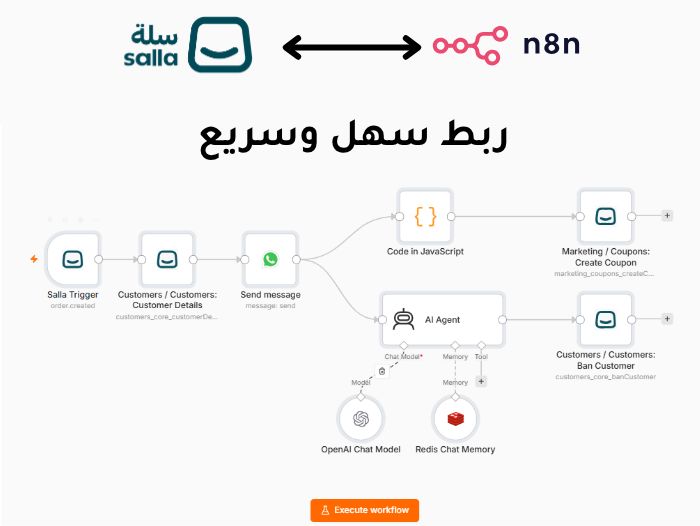
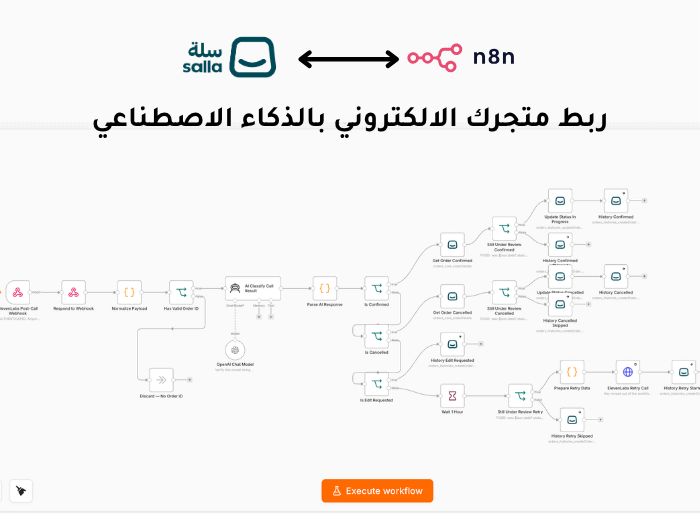
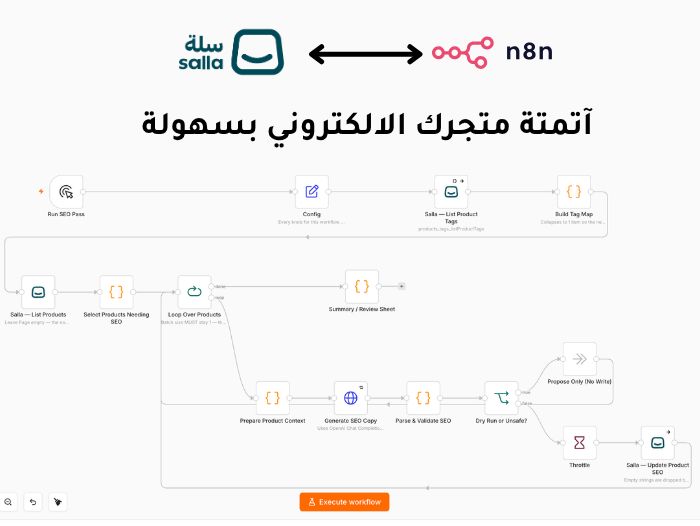
n8n ai is a powerful integration that connects your Salla store with the n8n automation platform, allowing you to transform everyday store events into automated, connected workflows without handling repetitive tasks manually.
Once your store is securely connected and the credentials are configured, you can select the event that starts the automation—such as receiving a new order, updating an order status, adding a customer, or changing product information.
When the selected event occurs, n8n ai sends the relevant data directly to your n8n workflow, where the required actions are performed automatically.
You can use n8n ai to connect your Salla store with the tools and systems your business relies on, including CRM platforms, inventory systems, databases, marketing tools, communication applications, notifications, and reporting solutions.
How It Works
Getting started with n8n ai is simple. You can build your Salla automation workflow in six steps:
1. Securely Connect Your Salla Store
Install n8n ai and securely connect your Salla store to enable communication between Salla and your n8n workflows.
2. Configure the n8n ai Credential
Add and configure your n8n ai credentials inside n8n so your workflows can securely access your store and perform authorized operations.
3. Select an Event Trigger
Choose the Salla event that should start your workflow, such as a new order, order status update, new customer, or product update.
4. Build Your Automation Workflow
Use n8n to connect Salla data with the applications and services your business uses. Add conditions, actions, transformations, and multiple steps according to your business process.
5. Execute Store Actions Automatically
When the selected event occurs, your workflow starts automatically and performs the configured actions without requiring manual intervention.
6. Monitor Performance and Reliability
Track workflow executions inside n8n, review results and errors, and continuously optimize your automation to maintain reliable operations.
From the moment an event occurs in your Salla store until the final action is completed, n8n ai keeps your workflow connected, automated, and synchronized in real time.
Key Benefits
Automate repetitive tasks: Automatically manage processes related to orders, customers, products, inventory, and other store operations.
Real-time data synchronization: Transfer and update information between Salla and connected systems as soon as an event occurs.
Save time and reduce errors: Minimize manual data entry and repetitive work while improving operational accuracy.
Connect your business tools: Integrate Salla with marketing, customer service, inventory, accounting, database, and reporting platforms.
Improve the customer experience: Send faster notifications, order updates, personalized messages, and follow-up communications.
Support sales growth: Automate customer follow-ups, order management, and marketing processes so your team can focus on growth.
Build flexible workflows: Create automation flows that match your business needs, from simple tasks to advanced multi-step processes.
Monitor performance and reliability: Track workflow activity, review execution results, identify problems, and continuously improve your processes.
With n8n ai, your Salla store becomes part of a complete automation ecosystem. It helps you manage operations more efficiently, keep your systems synchronized, save valuable time, and build scalable processes that support the continued growth of your business.
Install n8n ai from the Salla App Store
Start by installing n8n ai directly from the official Salla App Store.
Open the n8n ai application page in the Salla App Store and install the app on your store.
Once the installation is completed successfully, your merchant account is created and provisioned automatically on the merchant.n8ndesigner.com platform.
Your login details are then sent automatically to the email address associated with your Salla store.
Sign in to merchant.n8ndesigner.com using the same email address registered with your Salla store.
If you do not remember your password, or if you need to set a new one, you can use the password reset option at any time.
Important: Automatic merchant account creation is available only when the Salla user installing the app has an Admin role in the store.
Once your merchant account has been created and you can successfully sign in to merchant.n8ndesigner.com, you can proceed to the next step and configure the n8n ai credentials required to connect your Salla store with n8n.