

Are you tired of downloading product images, uploading them to Canva, editing them, then re-uploading them again to your Salla store?
Canva Lenk is here to turn hours of work into seconds.
We provide a smart, direct connection between your Salla products and the world’s most powerful design tool — Canva.
Now you can transform your basic product images into high-converting sales visuals, add your logo, or enhance image quality faster than ever before.
Simple to use, fast to execute, and results that impress your customers.
App Features
Instant Direct Sync
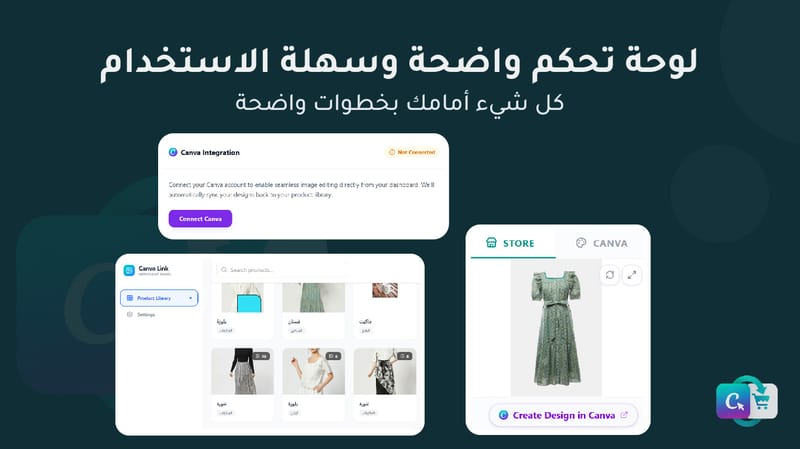
No manual uploads needed. Your product images appear automatically inside Canva Link as soon as you install the app.
Full Canva Editor Integration
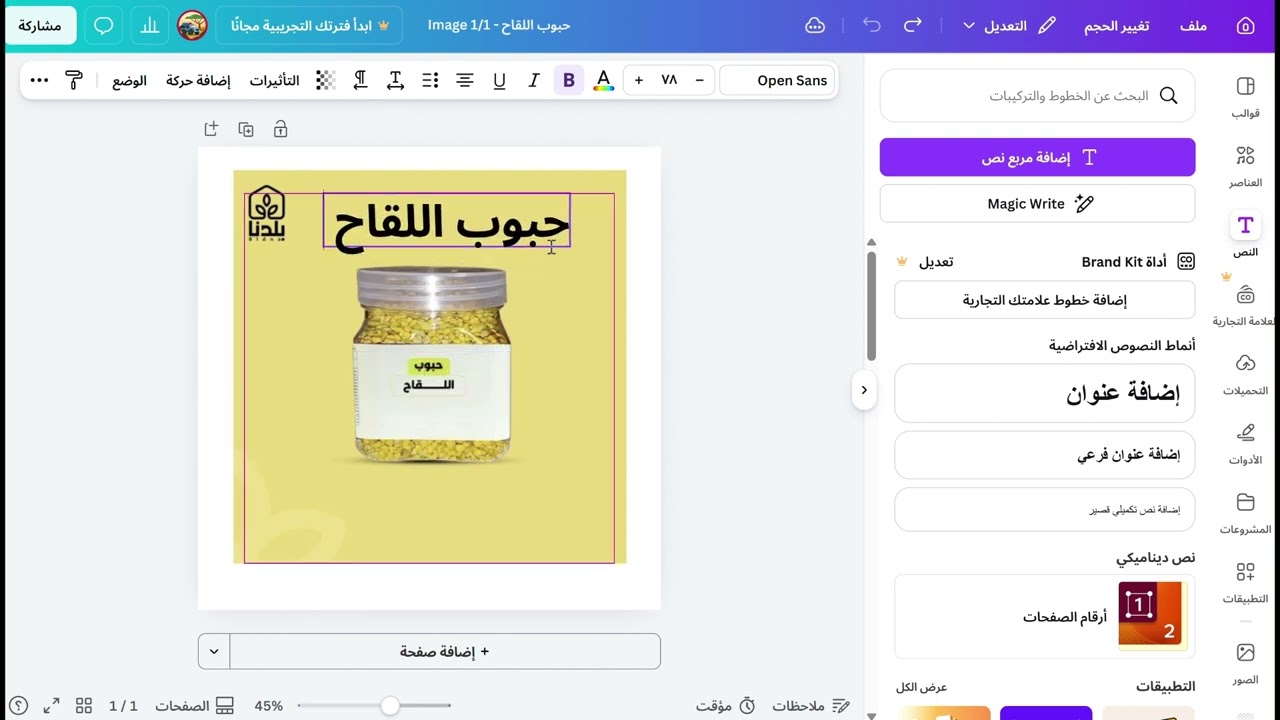
Connect your Canva account and access all Canva tools, templates, and fonts to edit your product images directly in your browser or through the mobile app.
One-Click Update
Once your design is ready, the image is updated instantly on the platform, with flexible options to inject it directly into your Salla store.
Smooth User Experience
A clean, simple interface that works seamlessly on desktop and mobile, allowing you to work faster anytime, anywhere.
Secure & Trusted
The app is fully verified. Our permissions are limited to images only, ensuring full privacy for your sales data and customers.
Why does your store need Canva Link?
Studies show that professional product images can increase purchase intent by up to 70%.
Canva Link is your partner in elevating your store’s visual identity and boosting sales with minimal technical effort.
How to Get Started
1. Install the app from the Salla App Store
2. Access the Canva Link dashboard via the link sent to your email
3. Connect your Canva account to Canva Link
4. Select a product, click “Edit with Canva”, and start creating
5. Inject the final image directly into your Salla store with one click