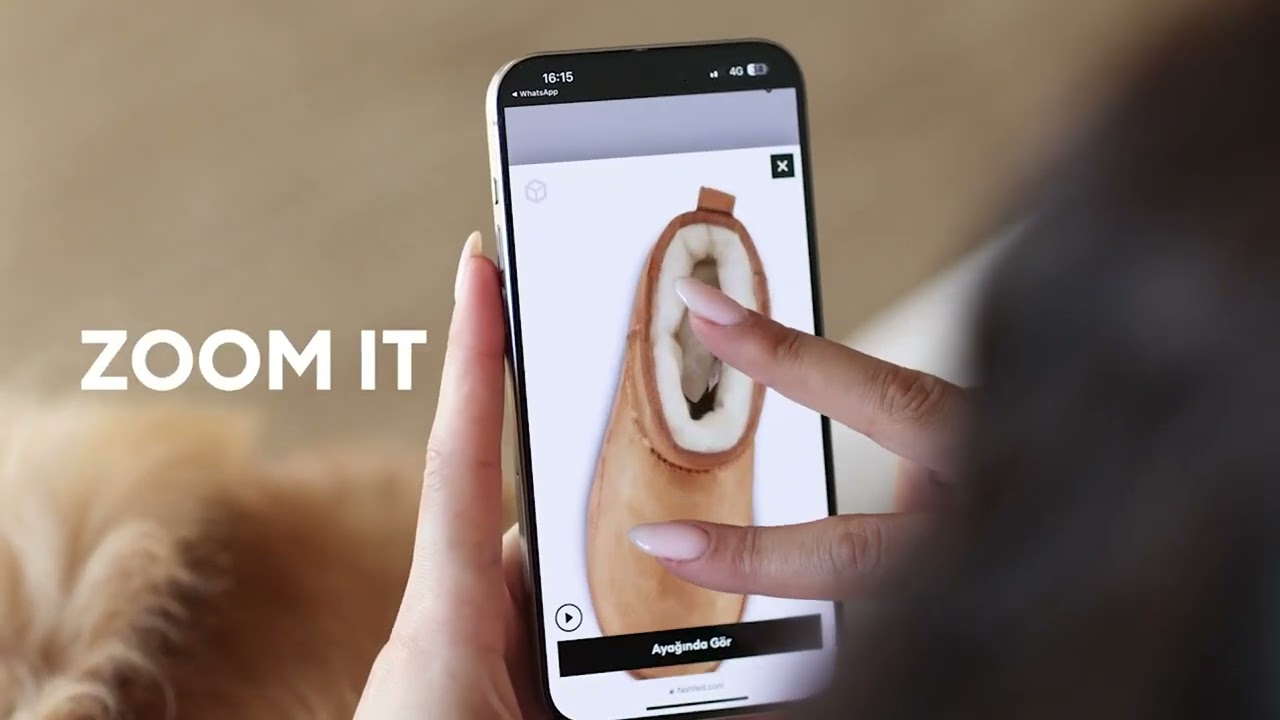
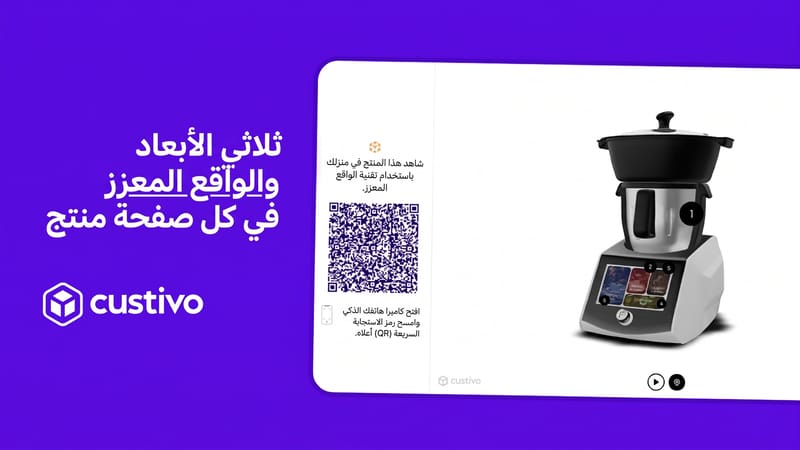
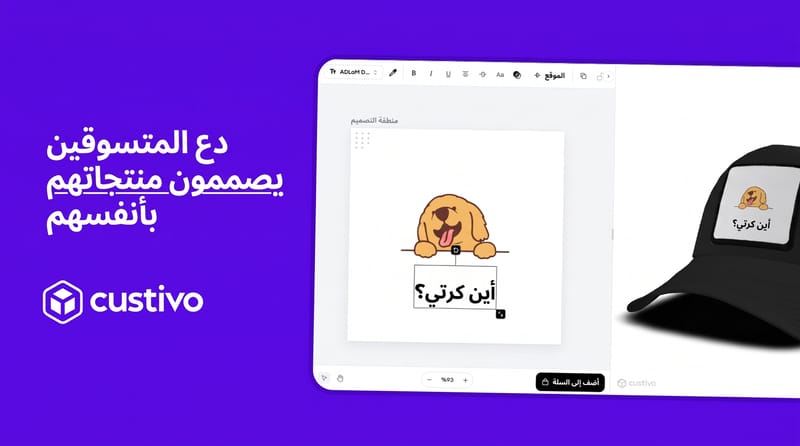
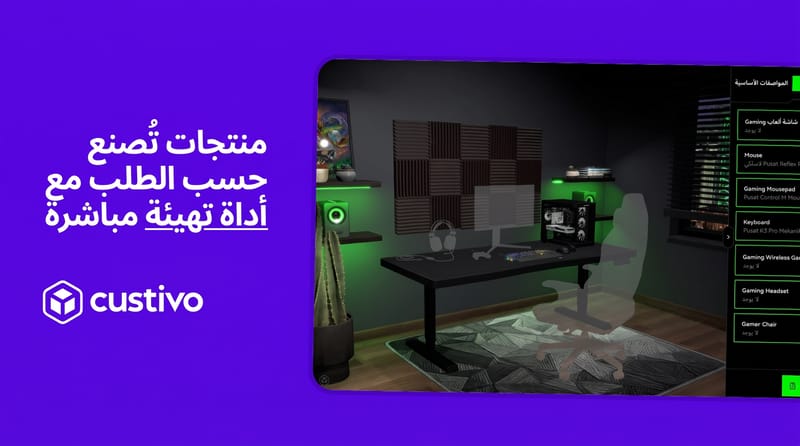
Custivo brings 3D, augmented reality, virtual try-on and product personalization to your Salla product pages. Shoppers turn the product around, see it in their own room, try it on, or write their own text on it before they add it to the cart. Arabic and right-to-left layout are built in from the first day, not added later.
WHAT SHOPPERS GET
• 3D viewer: the product turns, zooms and shows every angle on the product page.
• Augmented reality: the shopper opens the product in their own space from their phone, with no app to install.
• Virtual try-on: shoes, glasses and hats through the camera; watches, bracelets, rings and earrings on a photo of the shopper. Watches are drawn at their real size on the shopper's own wrist.
• Configurator: the shopper picks materials, colours and parts and sees the result live.
• Personalization: the shopper writes a name or a message in their own handwriting style, including Arabic names and calligraphy, and previews it on the product before buying.
WHAT YOU GET
• The Salla cart, with every choice attached: the selections, the preview image and the text travel with the order line, so you know exactly what to produce.
• Analytics from button impression to cart: how often the button was seen, 3D views, AR and try-on opens, and adds to cart, broken down by scene, product and device.
• Your Salla theme stays untouched. The app installs the widget through Salla's App Snippet and binds it to Salla's own product components. There is no code to paste and no developer to call.
• Light and dark store themes both work.
• Custivo's own dashboard opens in the language your Salla dashboard is in.
HOW IT WORKS
1. Install the app from the Salla App Store. Your Custivo account is created with it.
2. Upload your 3D model or product photos, then fine-tune the scene in the dashboard.
3. Publish. The button takes its place on your product page by itself, in Arabic and right-to-left.
The 3D viewer and augmented reality are included in every plan. The configurator, personalization and each try-on category are available depending on your plan. Your subscription is billed through Salla and appears on your Salla invoice.
Questions? Write to support@custivo.com.