Image-0
Image-1
Image-2
Image-3

Swiftli | Get Your Products Discovered Inside ChatGPT


Swiftli opens a new discovery channel for your store inside ChatGPT, allowing customers to search for products naturally and see your store’s products among relevant results, with a direct purchase link.


How does it work?


1. Install Swiftli on your Salla store

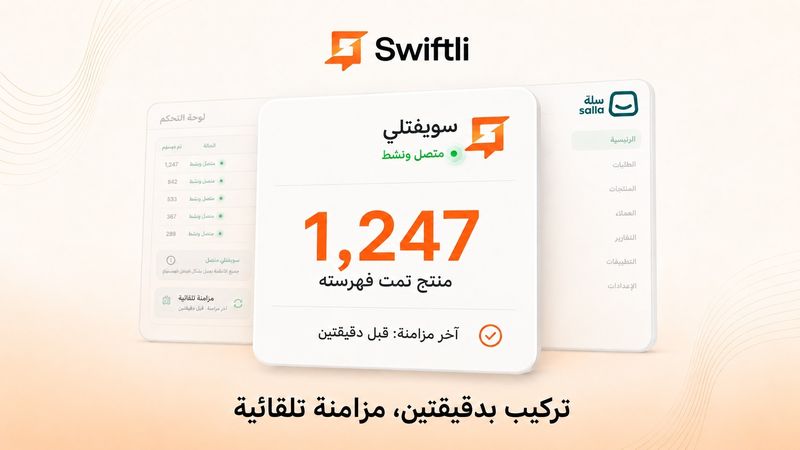
Once installed, your store products are automatically synced and indexed in Swiftli.


2. The customer adds Swiftli to ChatGPT once

The customer searches for Swiftli in the Plugins section inside ChatGPT and connects it.


3. Then, they search naturally

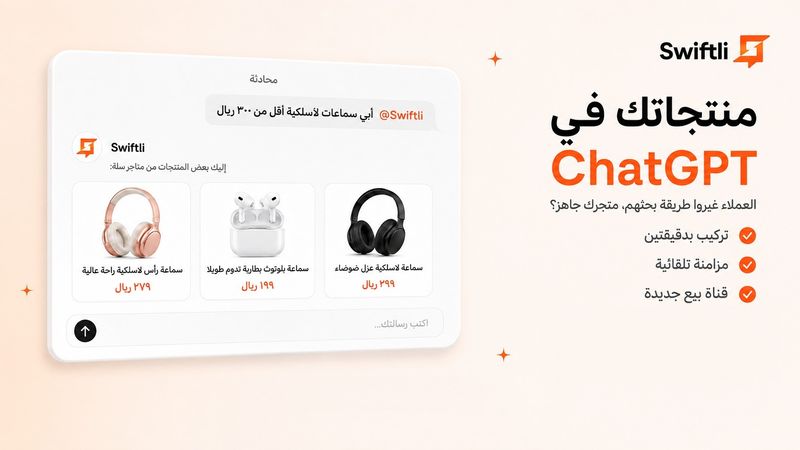
In any conversation, the customer can call Swiftli and type, for example:

“Swiftli, I’m looking for a men’s winter fragrance under 400 SAR"


Swiftli searches for relevant products and displays them inside ChatGPT with the price, image, and a direct purchase link to your store.


Why Swiftli?


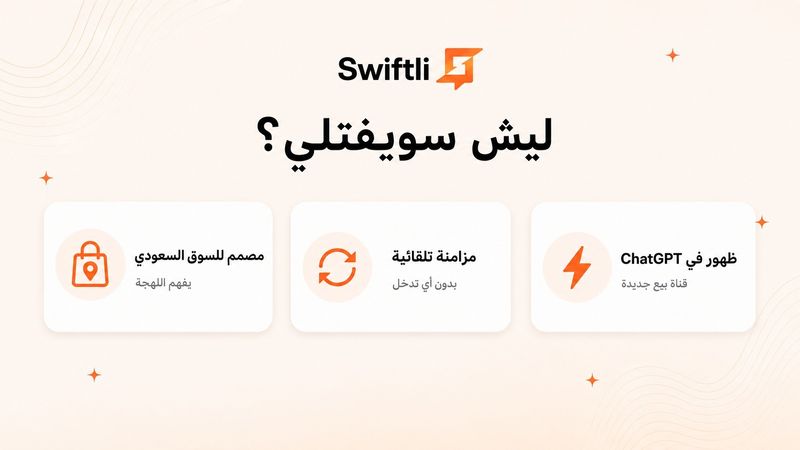
A new discovery channel

Make your products available where customers are increasingly searching and asking for product recommendations.


No complexity

No coding or complicated setup. Install the app and Swiftli handles the rest.


Automatic synchronization

Your product data is automatically synced from Salla to keep results up to date.


Understands how customers search

Swiftli supports Arabic dialects, Modern Standard Arabic, and English, and searches based on what the customer is looking for.


Performance Dashboard

See how often your products appear and which products get the most visibility.


Important Before Subscribing

Swiftli is designed only for stores that sell physical products.

Digital products, services, and subscriptions are currently not supported, in accordance with ChatGPT app policies.


Get started now and bring your products closer to customers inside ChatGPT.

App plans

Basic Plan
69
Features of Basic Plan
  • Automatic indexing of all your products
  • Real-time price and stock updates
  • Your products visible on ChatGPT
  • Number of Products (10)
Select plan
Recommended
Pro Plan
149
Features of Pro Plan
  • Number of Products (Unlimited / لا محدود)
  • Everything in Basic Plan
Select plan
Price shown does not include VAT (15%)

Why Swiftli?

Reach ChatGPTs shoppers

Reach ChatGPTs shoppers

Swiftli gets your products in front of shoppers searching inside ChatGPT, with a direct link to your store.

One-click install, Instant auto-sync

One-click install, Instant auto-sync

Install from the Salla App Store, and you're done. Your products sync automatically and instantly, every edit and new product shows up on Swiftli right away.

Built for the Saudi market

Built for the Saudi market

Swiftli understands Saudi colloquial Arabic, local product categories, and how Saudi shoppers actually search — not generic global queries.

FAQ

Answeres that you need

1How does Swiftli actually work?

Install the app from the Salla App Store. Swiftli connects to your store and automatically indexes your products. Users then open ChatGPT, go to Plugins from the sidebar, search for Swiftli and connect it once. After that, in any conversation, they type @Swiftli and ask for any product in their own words — your products appear instantly with a direct link to your Salla store.

2Do I need to change my store or write code?

No. No changes, no code, no developer needed. Installation takes under 2 minutes and everything runs automatically after that.

3How long until my products appear in ChatGPT?

Within an hour of installation, most of your catalog is indexed and live. Any new product you add to your Salla store is synced automatically.

4Does the shopper need ChatGPT Plus to use Swiftli?

The shopper needs a ChatGPT account. Custom GPTs like Swiftli are accessible to all signed-in users.

5Is my data secure?

We only access publicly visible product data (name, description, price, image, link). We never touch customer information, orders, or any sensitive data. Full privacy policy at swiftli.app/privacy.

6Which products does Swiftli index?

All products that are publicly visible in your Salla store. Hidden or inactive products are not indexed. You control visibility from your normal Salla dashboard.

7How do I cancel my subscription?

Go to "My Apps" in your Salla dashboard, select Swiftli, and click cancel. Your subscription stops immediately.