Mursal App – WhatsApp Notifications & Smart Customer Communication
Features:
• Instant activation with an easy-to-use dashboard
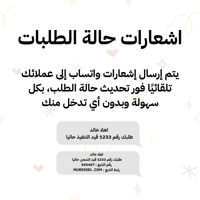
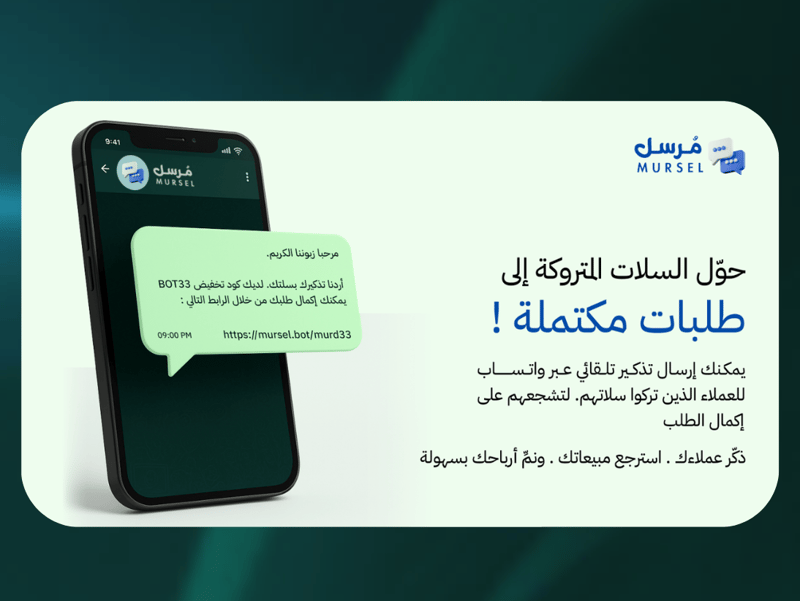
• Notifications for abandoned carts, orders, and order status updates
• Automatic welcome and review messages
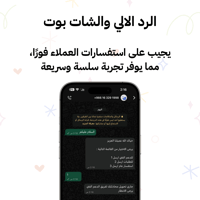
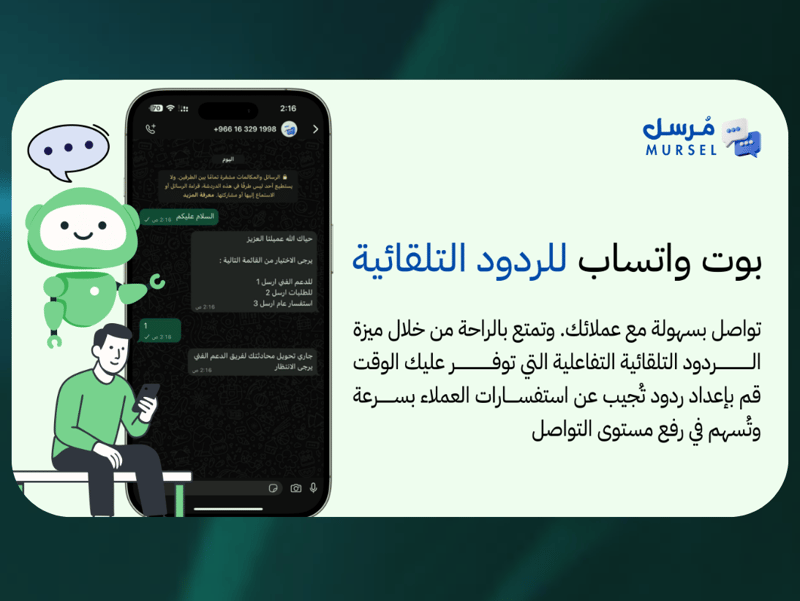
• Auto-reply bot with full message customization
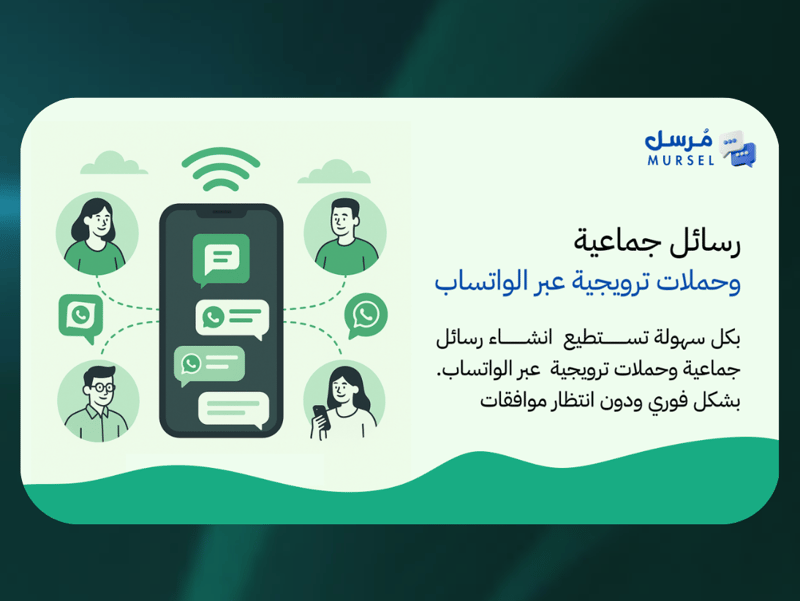
• Bulk messaging and marketing campaigns
• No need to keep your phone connected to the internet
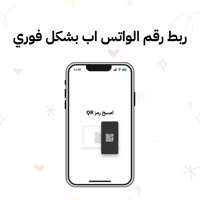
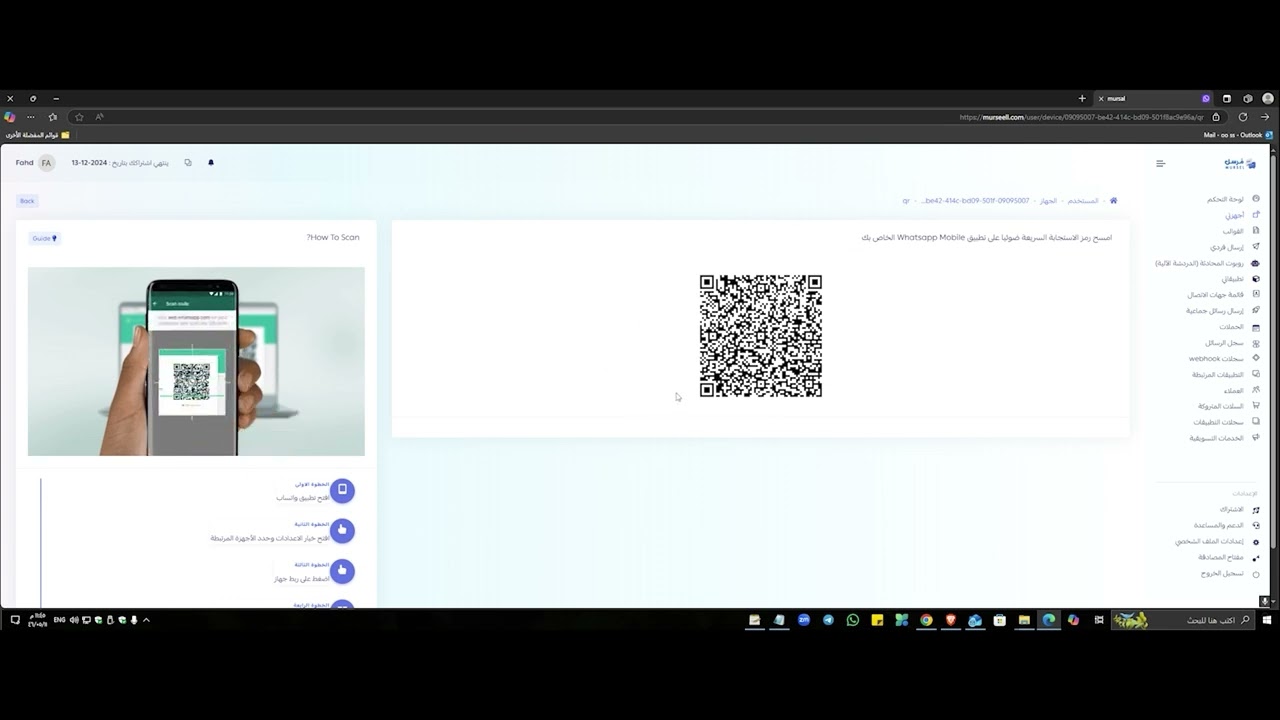
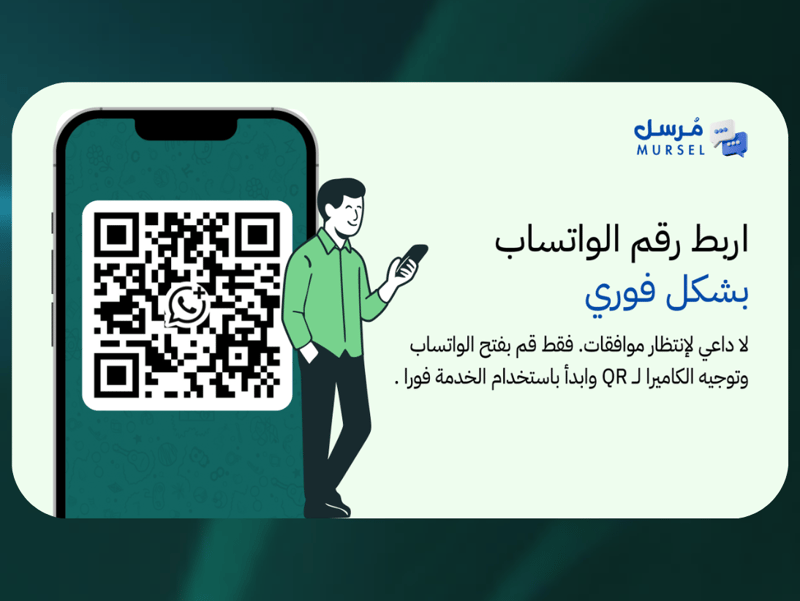
• Easily connect your WhatsApp account after subscribing using a QR code
Activation Steps:
Choose a plan
Activate the app
Receive your login credentials (Your login details and a video guide will be sent to your store email after subscribing.)
Ready-to-Use Templates:
• New order notification (sent to the merchant or order staff)
• New customer welcome message
• First abandoned cart
• Second abandoned cart
• Order completed
• Order in progress
• Order pending review
• Order pending payment
• Digital product code after order completion
• Customer login verification code
• Order out for delivery
• Order shipped
• Order delivered
• Order returned
• Return in progress
• Order cancelled
• Order confirmation
• Review request
• 1-star review
• 2-star review
• 3-star review
• 4-star review
• 5-star review
WhatsApp Connection:
Open Linked Devices in WhatsApp
Tap Link a Device
Scan the QR code from the Mursal dashboard