
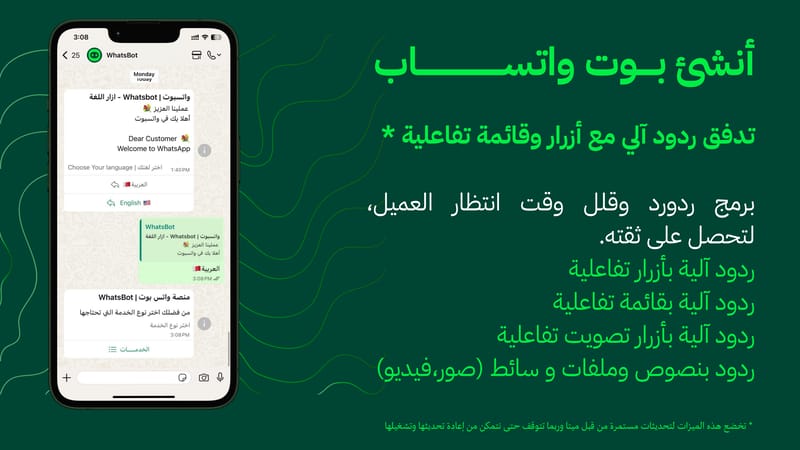
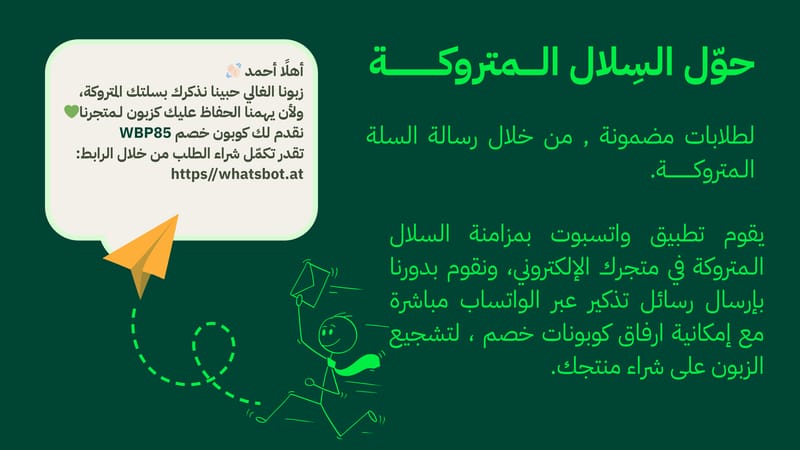
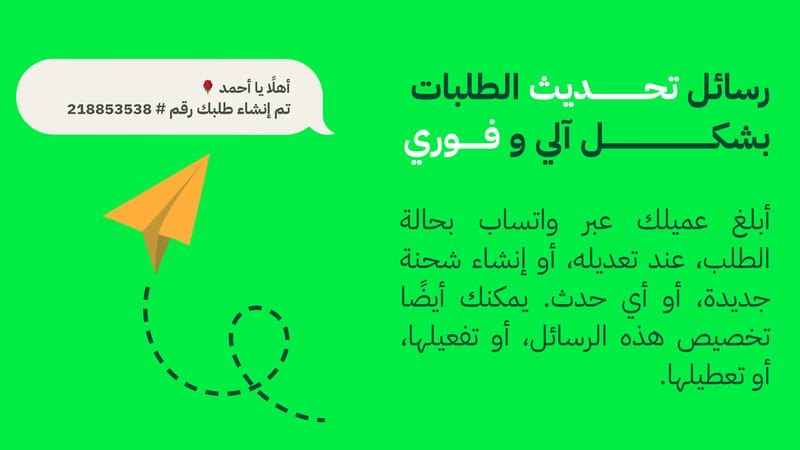
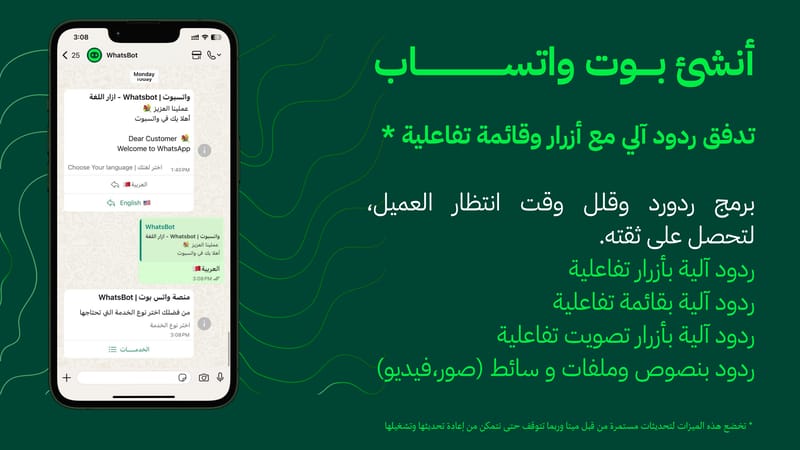
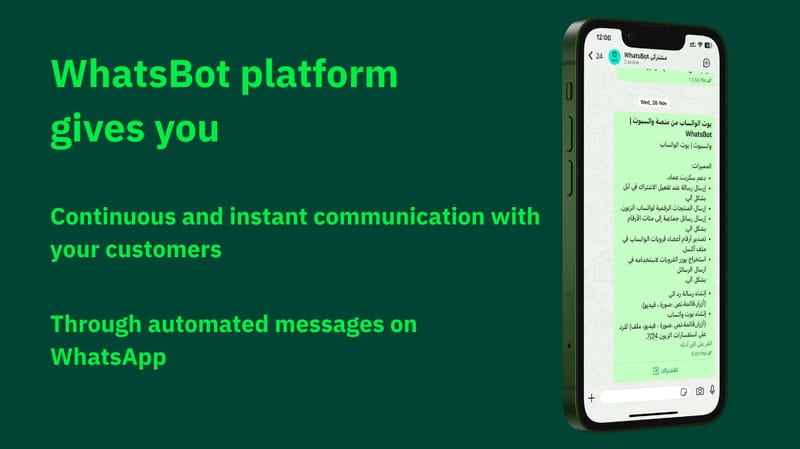
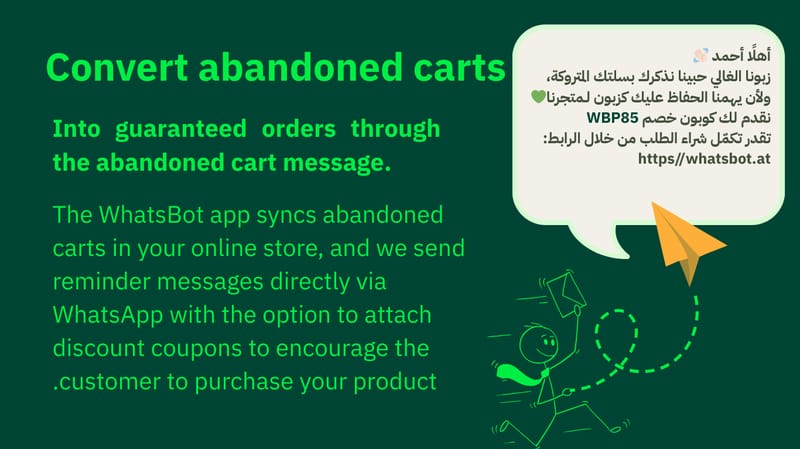
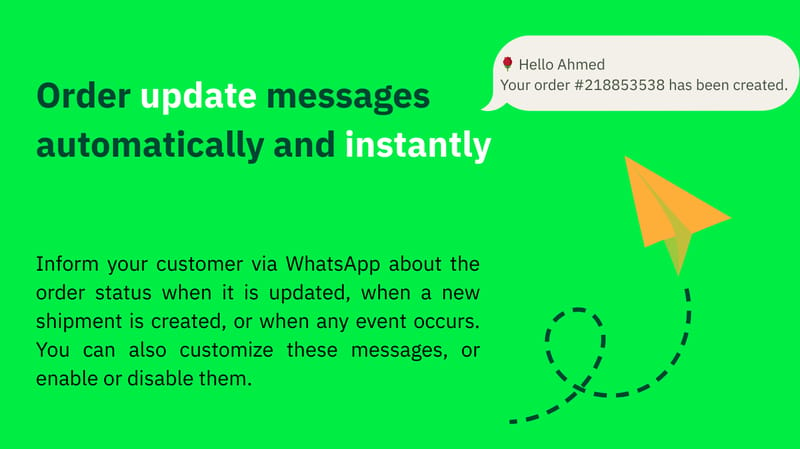
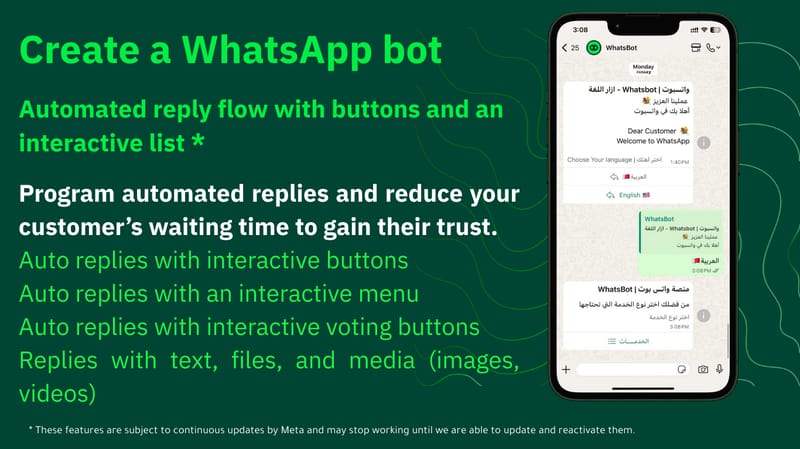
WhatsBot is the service that best understands your store’s needs. We remind your customers about their abandoned carts, send them updates related to their orders, and support you with automated replies that keep you in constant communication with your customers—earning their trust. All of this happens automatically through WhatsApp, with interactive buttons, promotional campaigns, and more using WhatsApp.
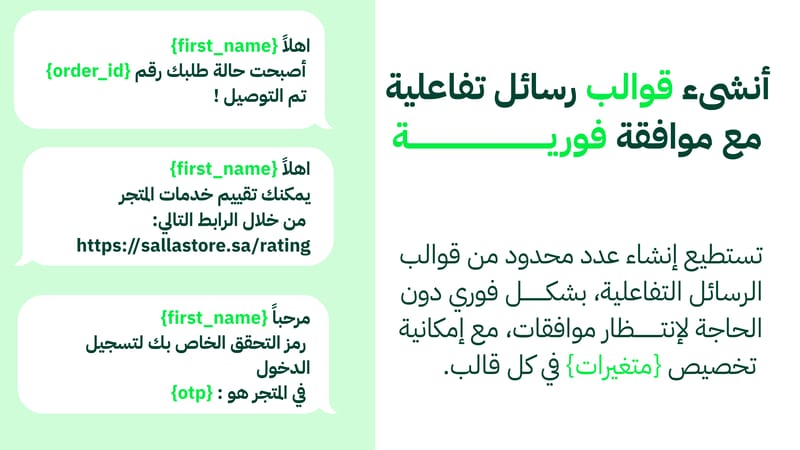
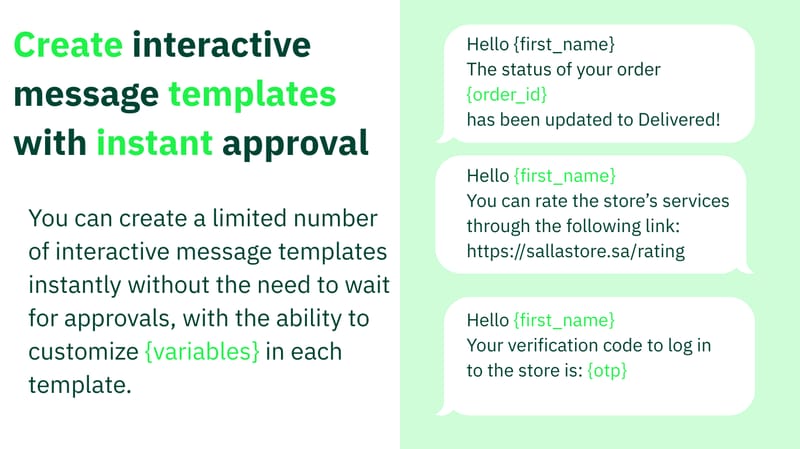
Flexible Message Templates
You can customize templates using variables such as:
{Customer Name}, {Cart Total}, {Digital Product Link}, {Order Number}, {Checkout Link}, and more.
Additional Services:
- Automatic call-reply: sends a message in response to incoming WhatsApp calls when you miss or decline the call.
- Support for interactive menu buttons.
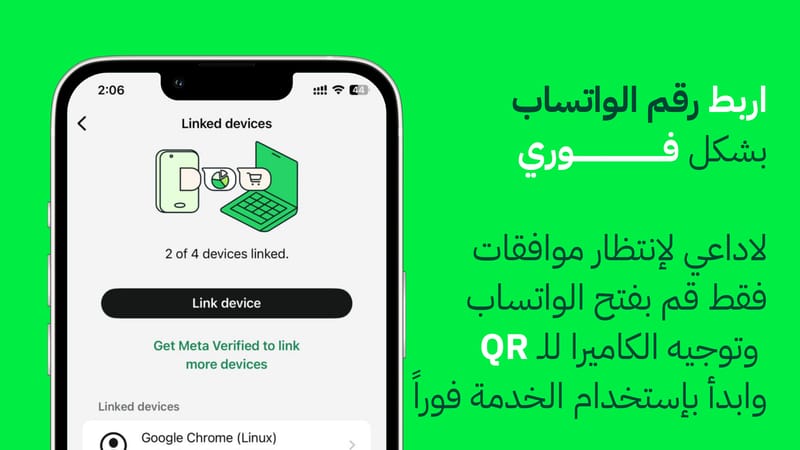
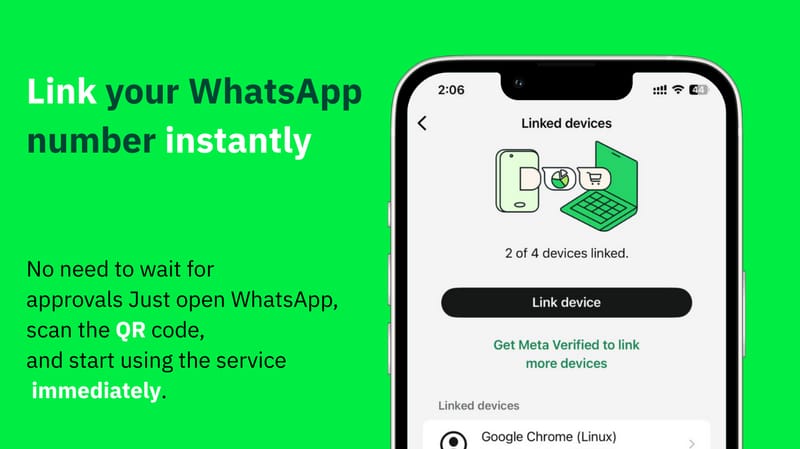
- Connect WhatsApp using your phone number.
How to Activate the Service:
After completing the installation of the app on your store, a new account will be created for you automatically. Your account details will be sent to your email and the WhatsApp number registered in the store. You will then be directed to the WhatsBot platform website to complete a simple setup process as follows:
- Link your WhatsApp account by going to the WhatsApp tab in the platform.
- Click Add Account; a QR code will appear—scan it to connect your WhatsApp to the service.
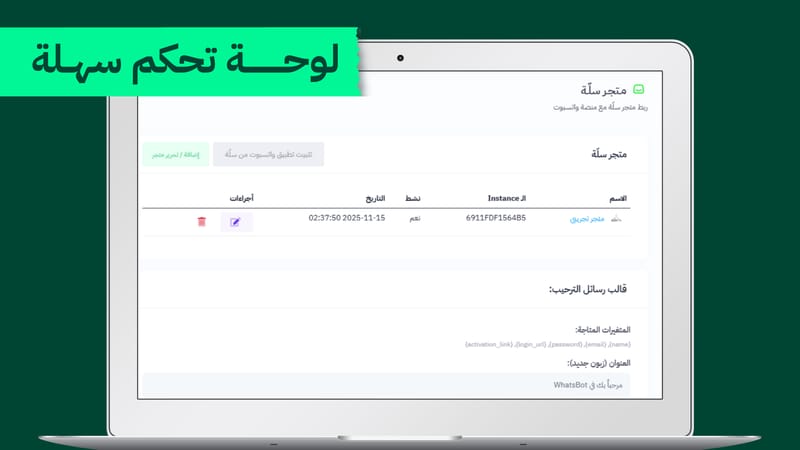
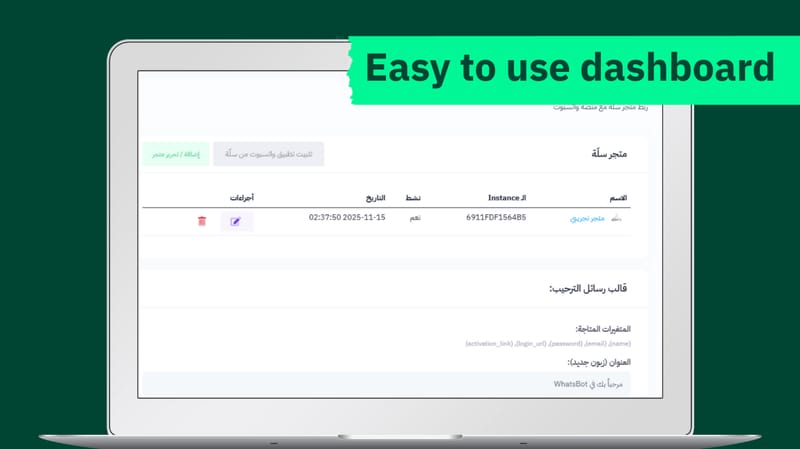
- Go to Add Store in the platform; you will find your store added automatically.
- Click the pencil icon to edit settings.
- Select the WhatsApp account you want to use for sending messages.
- Customize the templates as you prefer, then click Save.
- The service will become active immediately.