Shoppers like what you sell and want to follow you, but your accounts are hard to find. Shabakat puts your social and contact links inside your store, one tap away.
Let shoppers follow you from your store
How it works
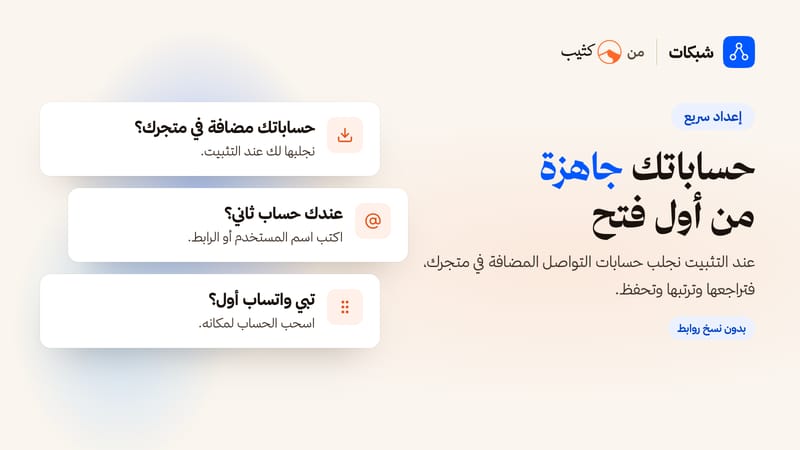
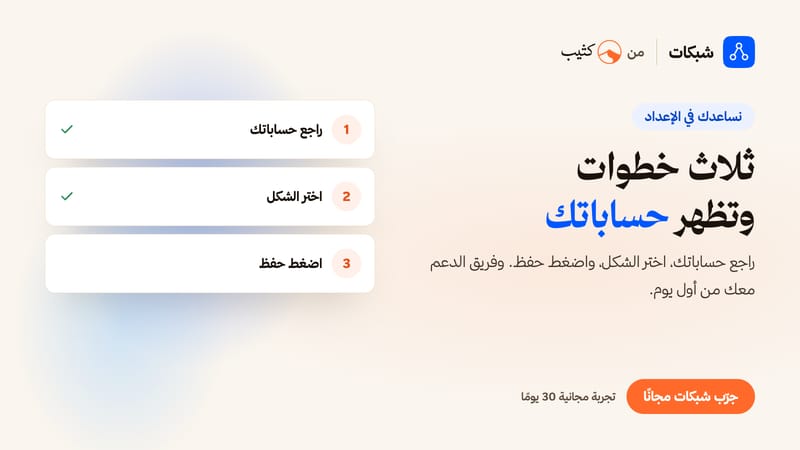
1. Check your accounts: when you install, we bring in the accounts already in your store settings. Add any other one by username, link or number, and drag them into order.
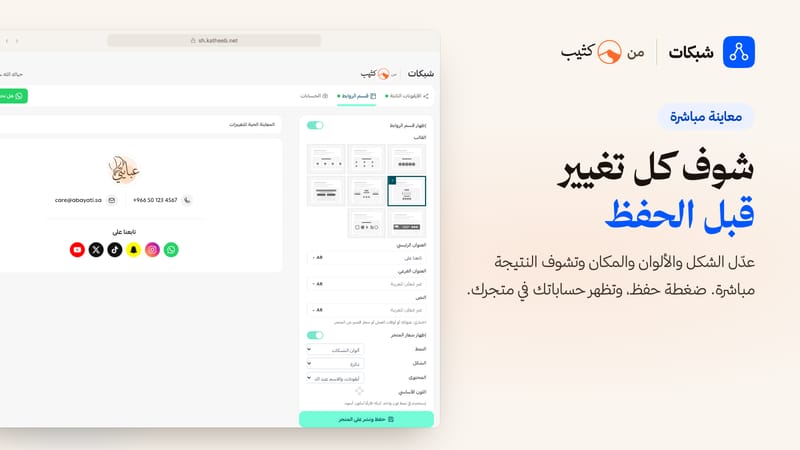
2. Pick the look: sticky icons, a links section, or both. Every change shows in the live preview.
3. Save: your accounts appear in your store, in your order.
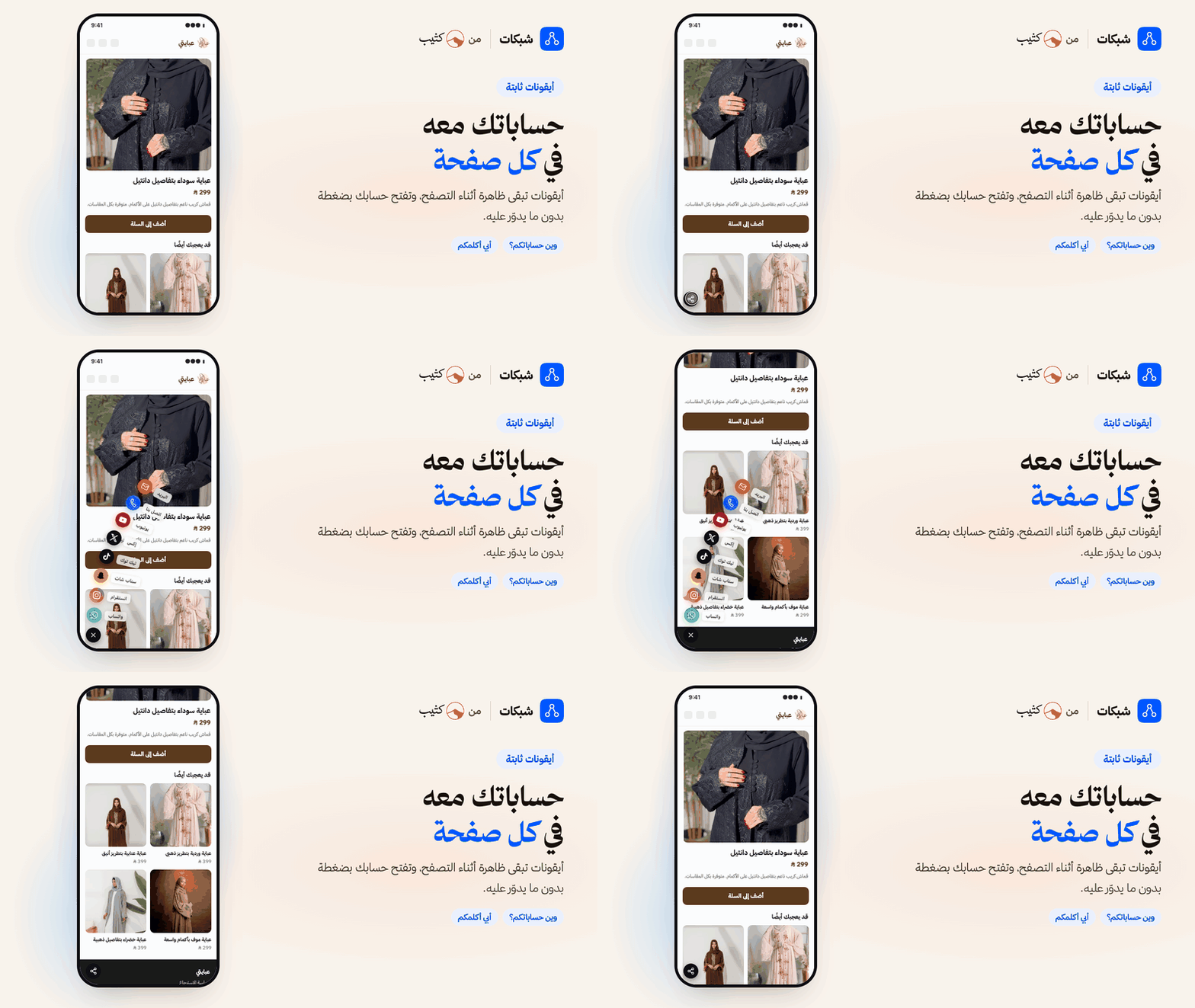
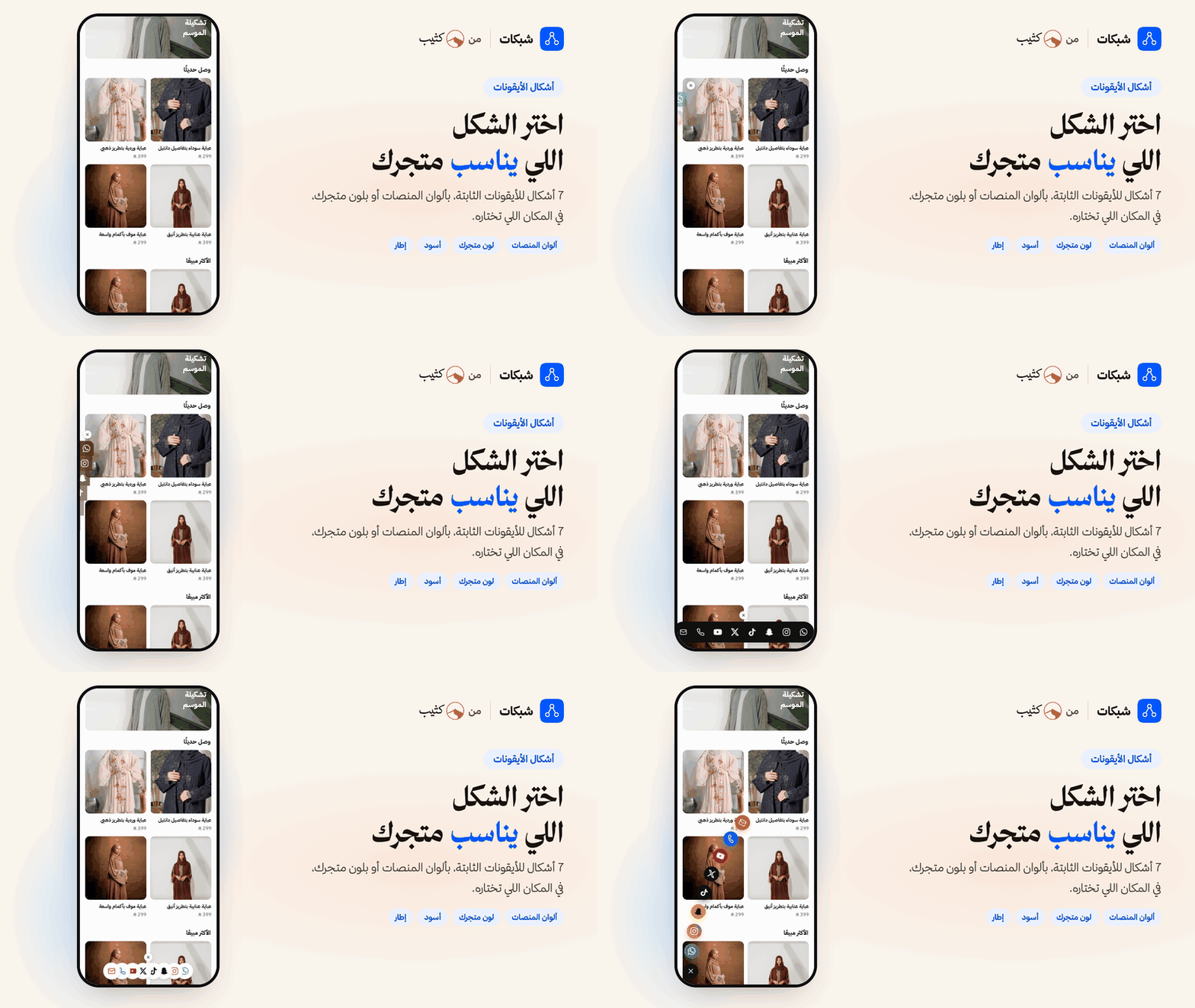
1. Sticky icons on every page
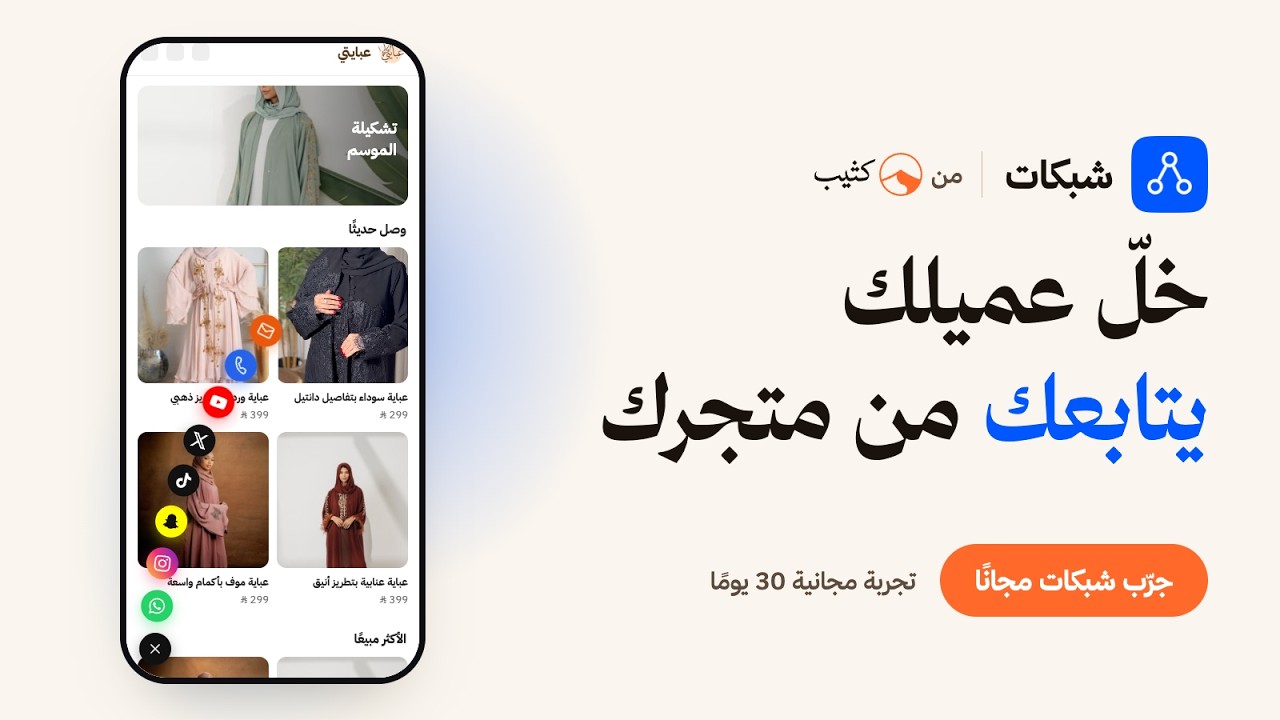
Icons that stay on screen while shoppers browse and open your account in one tap. Choose from 7 layouts, the position, the pages, and mobile, desktop or both. Show them after a few seconds if you like, and shoppers can close them when they don't need them.
2. A links section that looks like your store
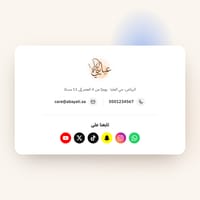
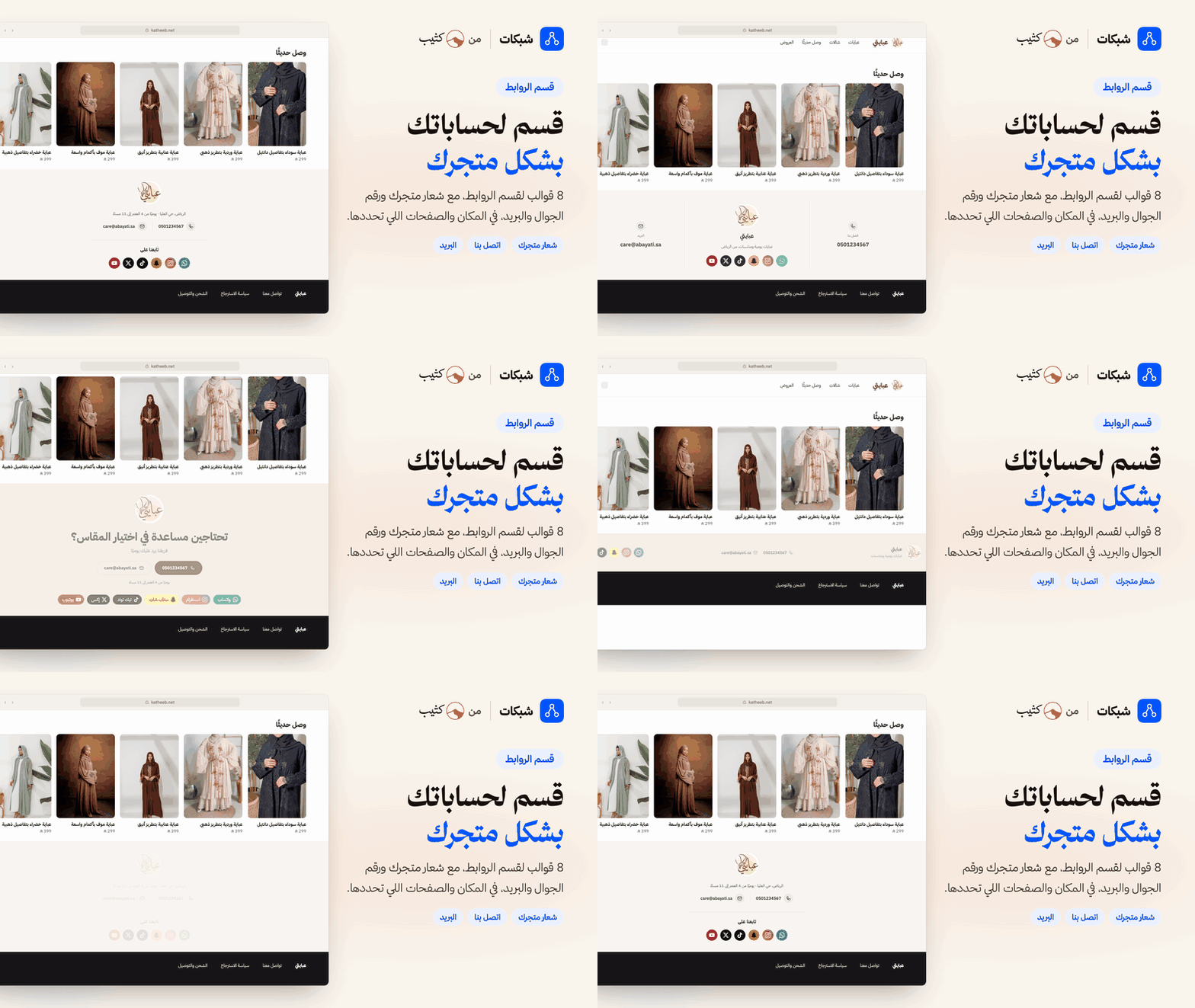
8 templates: an icon row, your logo in the centre, three columns, a big contact block, a footer bar and more. Your logo, phone and email show as clear text, with a heading and a line of your own such as your address or opening hours. Place it above the footer, below the header, or anywhere you choose.
3. Ready-made messages
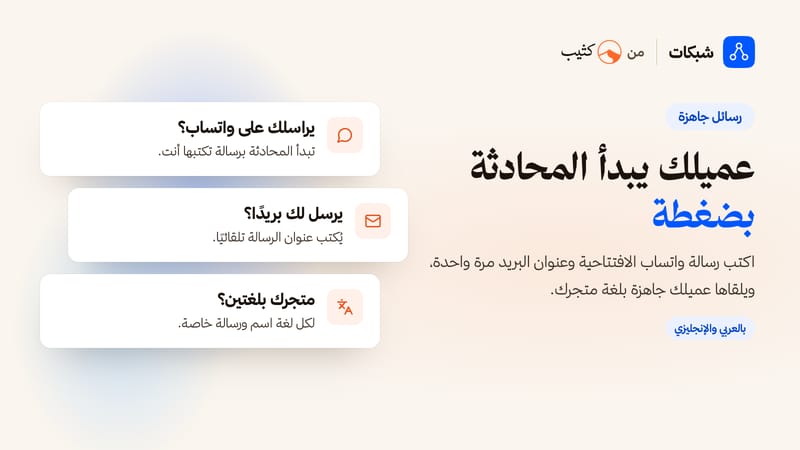
Write your WhatsApp or Telegram opening message and your email subject once, so shoppers start the conversation in one tap. Give each account the name you want, such as "Customer care".
4. Fits your brand
Brand colours, one colour, black or outline. Circle, rounded or square, icons only or with names. Each store language has its own names and messages.
Supported accounts
WhatsApp, Snapchat, TikTok, Instagram, X, YouTube, Telegram, Facebook, LinkedIn, Pinterest, Threads, phone and email.
Good to know: Shabakat shows icons and links to your accounts. It does not show your posts or videos in your store.