Eeasy | Easier Shipping, More Options, Lower Costs
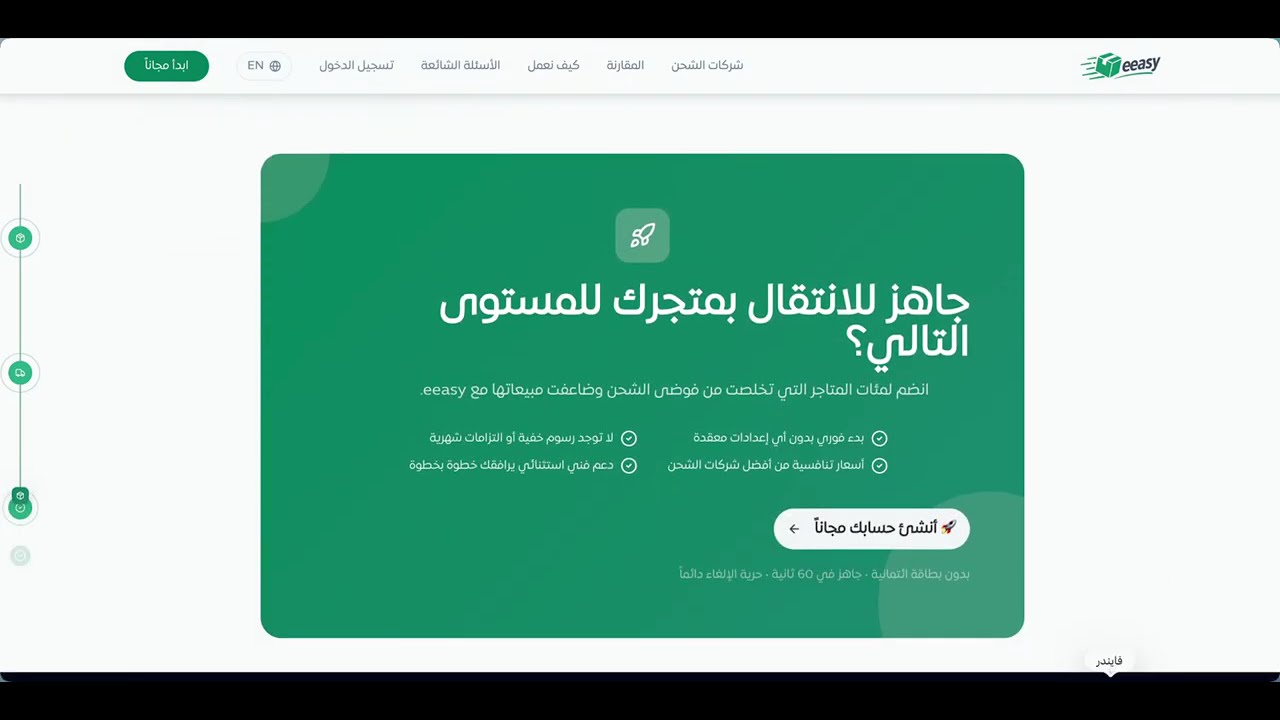
Eeasy is an integrated shipping platform that helps Salla merchants manage their shipping operations from one place and access competitive rates from multiple shipping carriers without the need to sign separate contracts with each carrier.
With Eeasy, your store orders are synced directly to a unified dashboard, allowing you to choose the right shipping carrier, generate and print shipping labels, and track your shipments easily and quickly.
What does Eeasy offer?
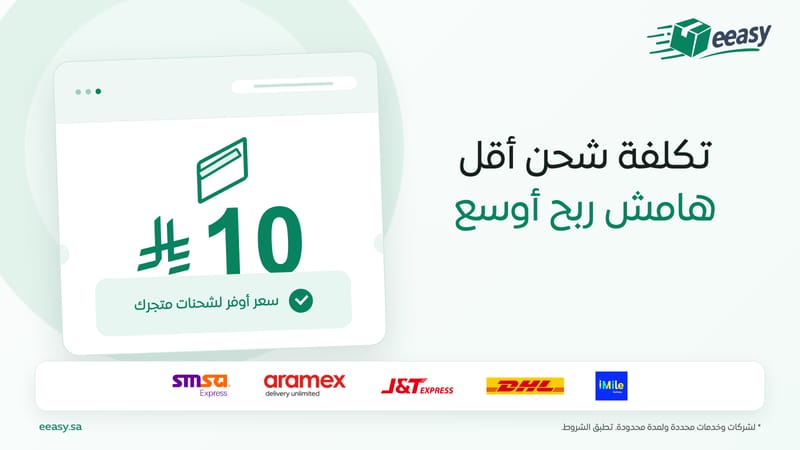
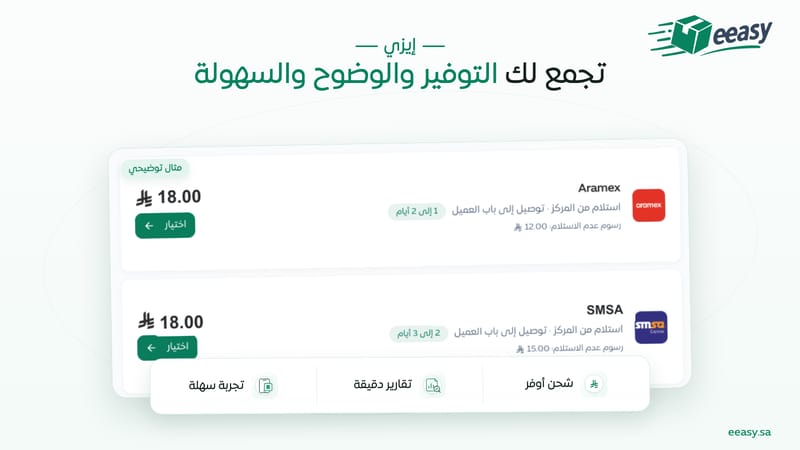
Multiple Shipping Carriers in One Place. Choose the most suitable carrier for each order from a range of local and international shipping companies available through Eeasy.
Competitive Shipping Rates. Compare shipping options and choose the price and service that best suit your store, without the need to negotiate or manage multiple separate contracts.
Direct Integration with Your Salla Store. Your store orders are synced with Eeasy to reduce manual work and speed up shipment preparation.
Easy Shipping Label Generation. Generate and print shipping labels for a single order or multiple orders in just a few simple steps, all from one dashboard.
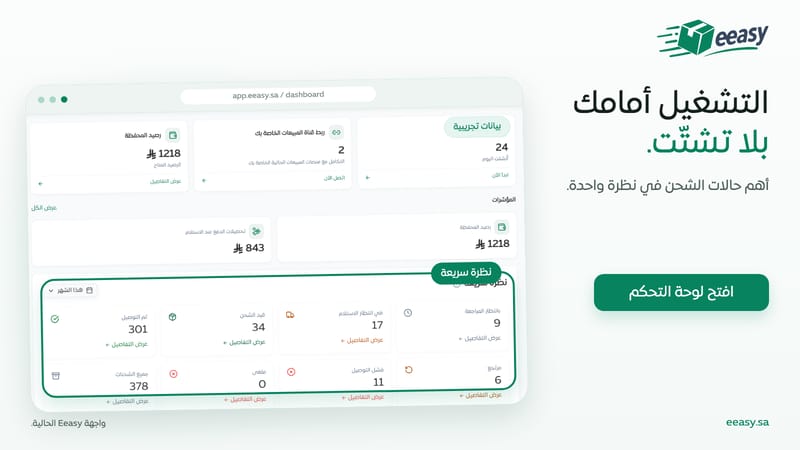
Track All Shipments from One Dashboard. Track the status of your shipments across different shipping carriers without the need to switch between multiple platforms.
More Efficient Shipping Management. A dashboard and reports help you monitor your operations, make better decisions, and reduce time and operational costs.
Why Eeasy?
Because shipping management should not be complicated.
Instead of negotiating with every shipping company and managing multiple contracts and platforms, Eeasy brings your shipping options, store orders, shipping labels, and shipment tracking together in one place.
Connect your Salla store to Eeasy, choose the right carrier, generate the shipping label, and then track your shipment — all with ease.
The trick when pasting this into an editor that defaults to RTL: make sure the text field/paragraph direction is explicitly set to LTR (in most rich-text editors there's a paragraph alignment/direction toggle, or you can force it by starting the paste in an English-only line first). Otherwise the editor will keep pulling trailing punctuation to the visual left, like you saw in the screenshot.