TWASL BOT: The Ultimate App for WhatsApp Notifications
TWASL BOT is one of the leading applications specializing in WhatsApp tools, offering essential features that streamline operations, boost sales, and enhance the performance of online stores on the Salla platform using WhatsApp.
Key Features of TWASL BOT:
• Instant Activation: Get started in just a few minutes.
• User-Friendly Interface: Clear dashboard for easy navigation.
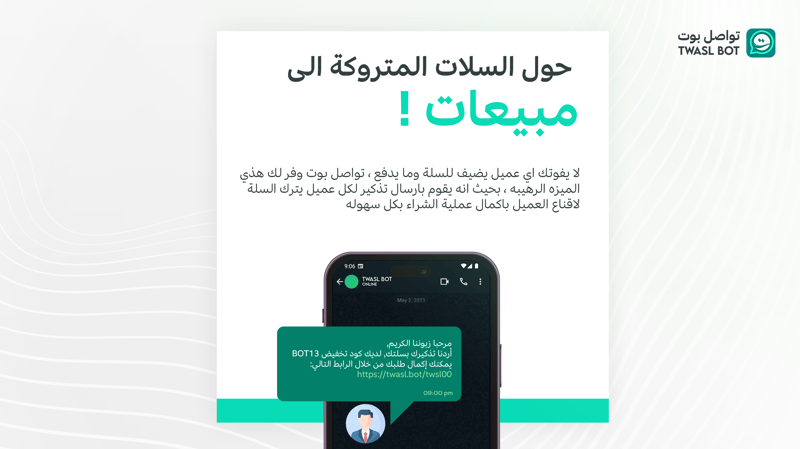
• Abandoned Cart Notifications: Send one or multiple messages at specific intervals, with the option to include discount codes.
• New Order Notifications: Notify customers when a new order is created.
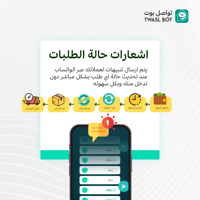
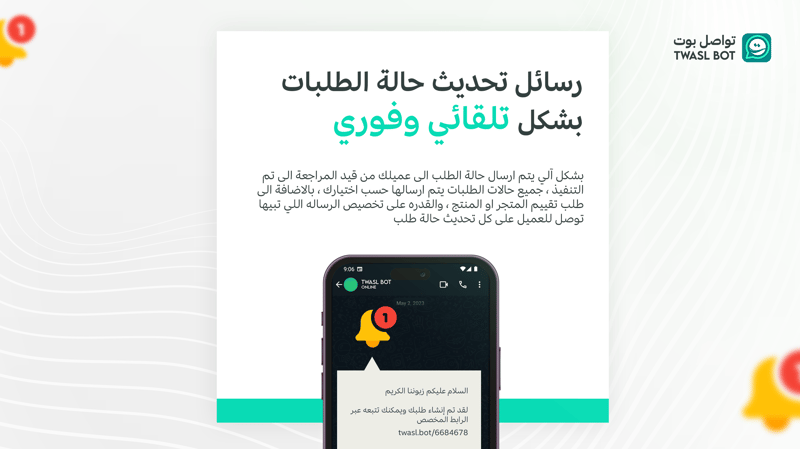
• Order Status Updates: Inform customers when their order status changes.
• Cash on Delivery Confirmation: Send confirmation messages for cash-on-delivery orders.
• Welcome Messages for New Customers: Greet new customers upon registration.
• Request for Service Reviews: Prompt customers to review their experience after order completion or delivery.
• Customizable Messages: Edit and personalize messages to fit your needs.
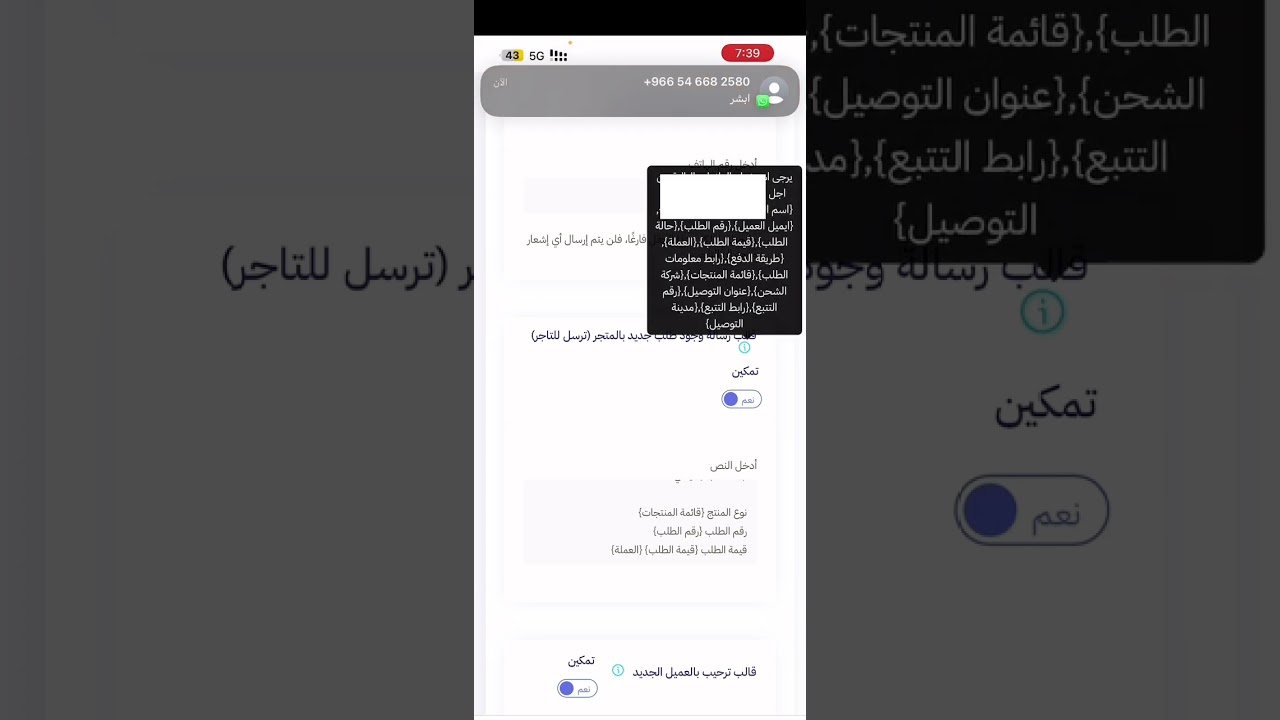
• Variable Support: Use dynamic variables in automated messages, such as {Customer Name}, {Order Number}, {Order Link}, {Order Value}, {Order Status}, {Review Link}, {Tracking Link}, and more.
• Marketing Campaigns: Launch effective marketing campaigns.
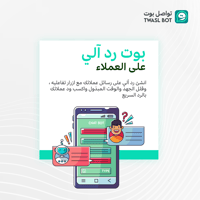
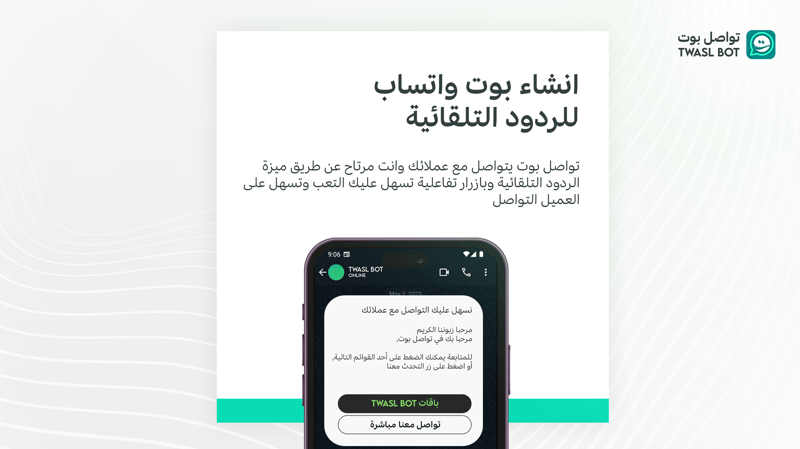
• Automated Replies: Provide instant responses to common customer inquiries.
• API Integration: Supports custom integrations to meet various programming requirements.
Additional Features:
• No need to keep your phone connected to the internet.
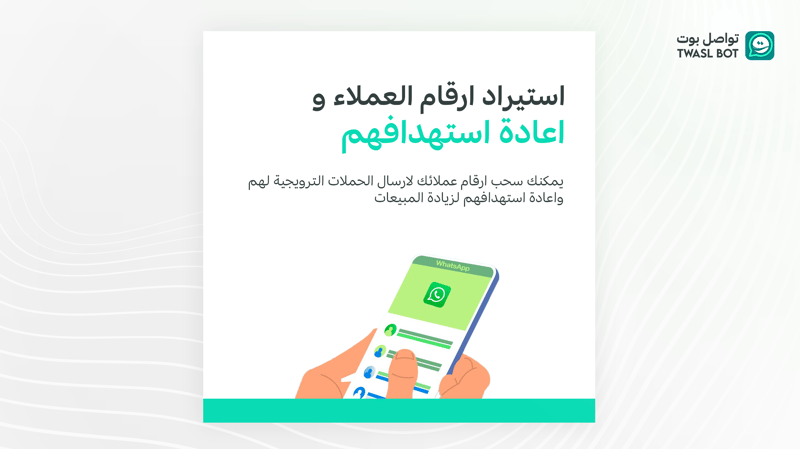
• Import WhatsApp contacts, including chats and customers from your online store.
• Full control over enabling or disabling notifications for specific types.
• Complete freedom to edit message templates for each notification type.
• Interactive button support for easier customer interaction.
• 24/7 technical support to ensure uninterrupted service.
Steps to Activate TWASL BOT:
1. Choose the Right Plan:
Subscribe to the package that meets your needs.
2. Click the Activate Button:
Simply click “Activate App” to begin.
3. Receive Account Information:
You’ll receive a WhatsApp message with your TWASL BOT account details and setup instructions.
Editable Message Templates Include:
1. Abandoned Cart Notification
2. New Customer Welcome Message
3. New Order Notification
4. Service Review Request
5. Cash on Delivery Confirmation
6. OTP Message
7. Shipment Created Notification
8. Out for Delivery Notification
9. Delivered Notification
10. Shipped Notification
11. Canceled Order Notification
12. Returned Order Notification
13. Refund in Progress Notification
14. Order Under Processing Notification
15. Order Awaiting Review Notification
16. Payment Pending Notification
17. Order Completed Notification
And more templates tailored to your needs.
How to Link Your WhatsApp Account:
After receiving the welcome message with your login credentials:
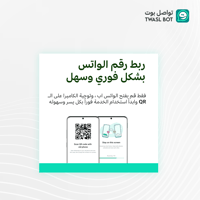
• Open the WhatsApp app on your phone.
• Navigate to “Linked Devices” and select “Link a Device.”
• Scan the QR code displayed on your TWASL BOT dashboard. That’s it! You’re linked and ready to go.