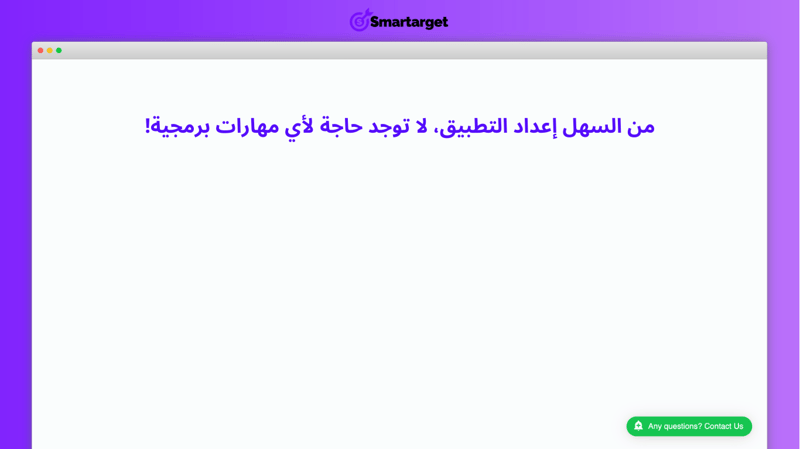
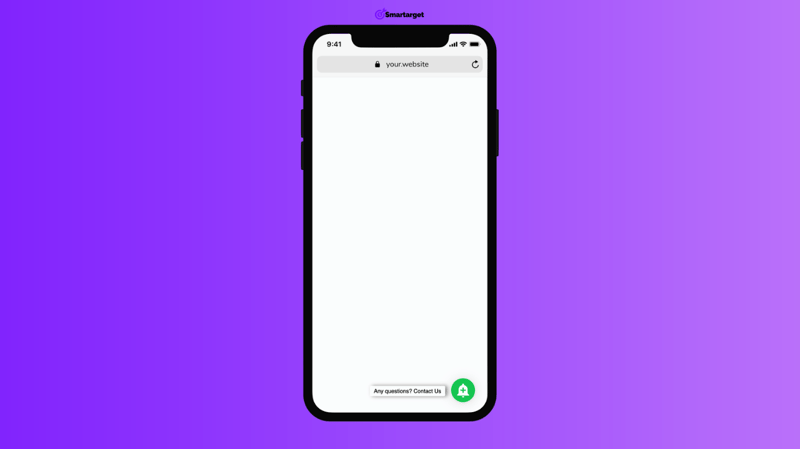
Button Builder allows you to add a floating button to your website and completely customize it to fit your style.
What you can use Button Builder for?
- Link to a specific items category
- Direct people to your FAQ page
- Send traffic to your social channels
- Highlight your latest items
- And anything else you want to easily point people to!
How can you customize the button?
- How it opens: Choose if the new page will open in the current or new tab
- Button shapes: Use different button types, like rounded, square or tabs
- Icons: Pick the icon that will be shown on the button. This is a very important point because the icon will get your customers' attention. However, you can also just keep a call to action text without using the icon.
- Wave animation: You can add a wave animation to track more attention to the button
- Shake animation: You can shake the button every few seconds, that for sure will make it even more visible.
- Choose your colors: Pick the colors you want for the button and the text/icon on it. You can of course pick colors that will fit your website style.
- Add an eye-catching CTA: You don’t have to, but it’s highly recommended to add call to action text.